
Digital signage for any TV, managed remotely.
BryteCast makes digital signage as easy as building a playlist. Control, schedule and update your TVs from anywhere — no installer required.
Overview
Dashboard
Welcome back — here's an update on your screen network.
Active Screens
0
Active Playlists
0
8 itemsStorage Used
0.3GB
Of 5GB limit
Create Playlist
Organize your content
Upload Content
Add images or videos
Manage Screens
View all displays
Screens
View allLobby Display
Last sync 2 min ago
Reception TV
Last sync 5 min ago
Menu Board
Last sync 1 min ago
Lobby Display
3 screens
Playlist pushed live
Morning menu · 3 screens
07:20 · just now
Maria K · Riverside Café
Manage your screens with BryteCast
Upload content, build playlists, and push updates to every TV in your space — from one dashboard. No installers, no complexity. Built for teams who need screens that stay current without an agency on retainer.
How it works
Three steps to screens that stay current.
Pair your screen
Add a screen in the dashboard and enter the 6-digit code on any TV, tablet, or streaming device.
Build your playlist
Upload images, videos, and announcements — then drag them into a playlist in seconds.
Push live
Assign the playlist to your screens. Updates reach every display in real time.
Platform
Signage that scales with your spaces.
Use cases
For every space.
From a single screen to a multi-site rollout — BryteCast adapts to how your business actually runs.
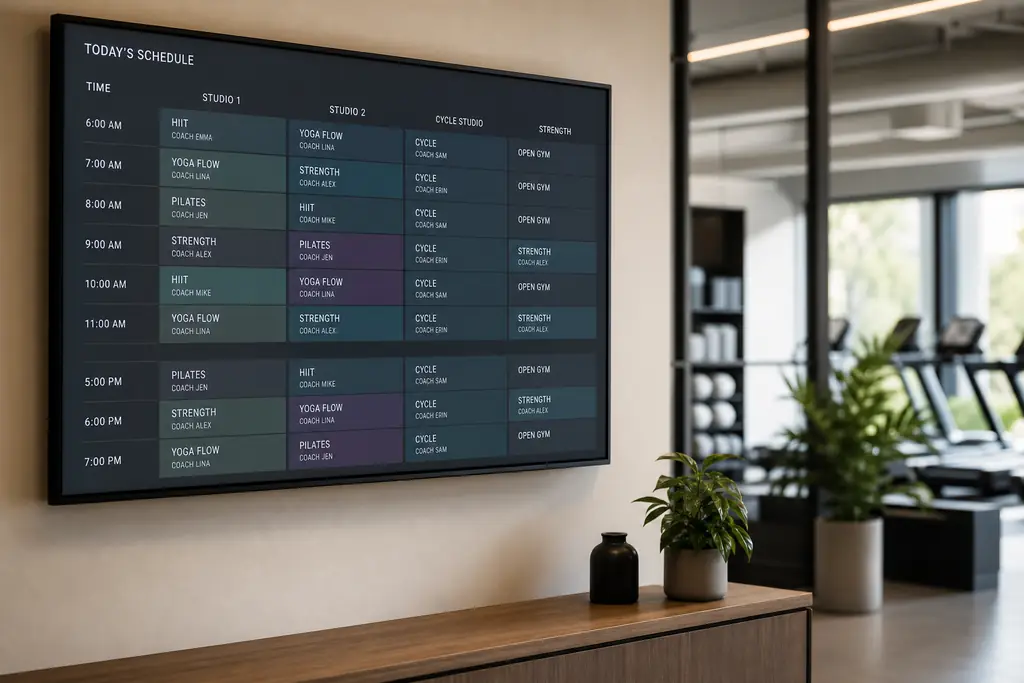
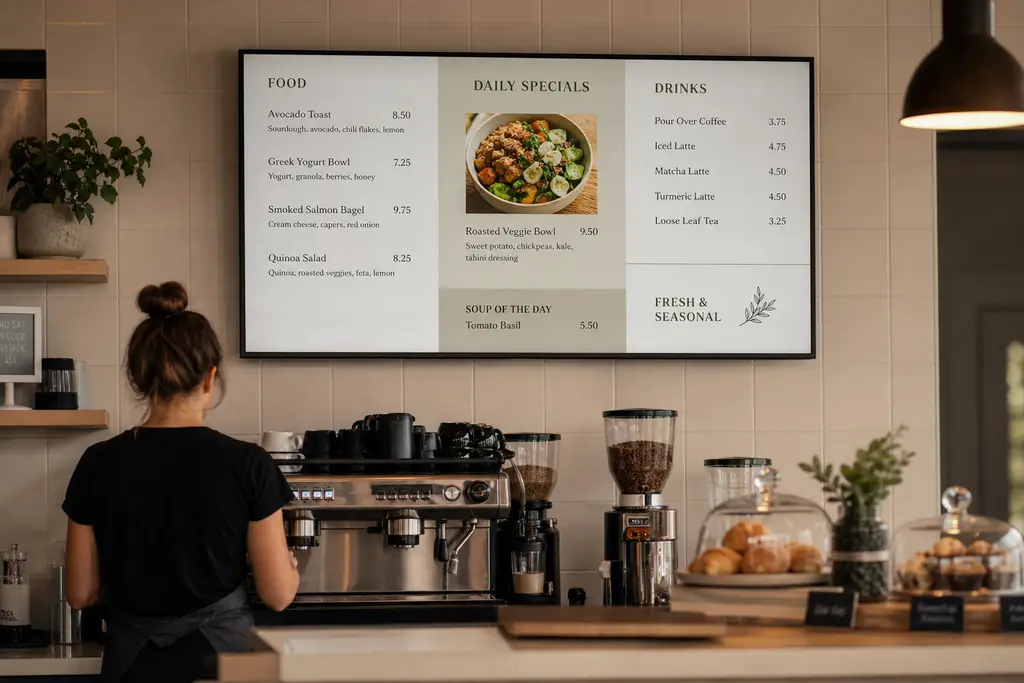
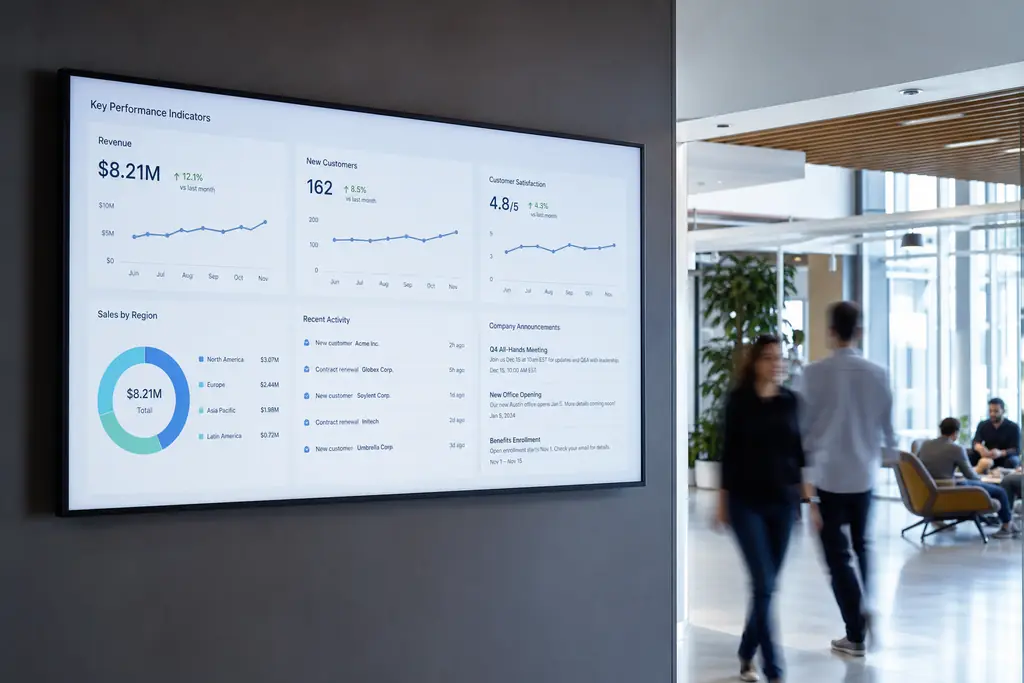
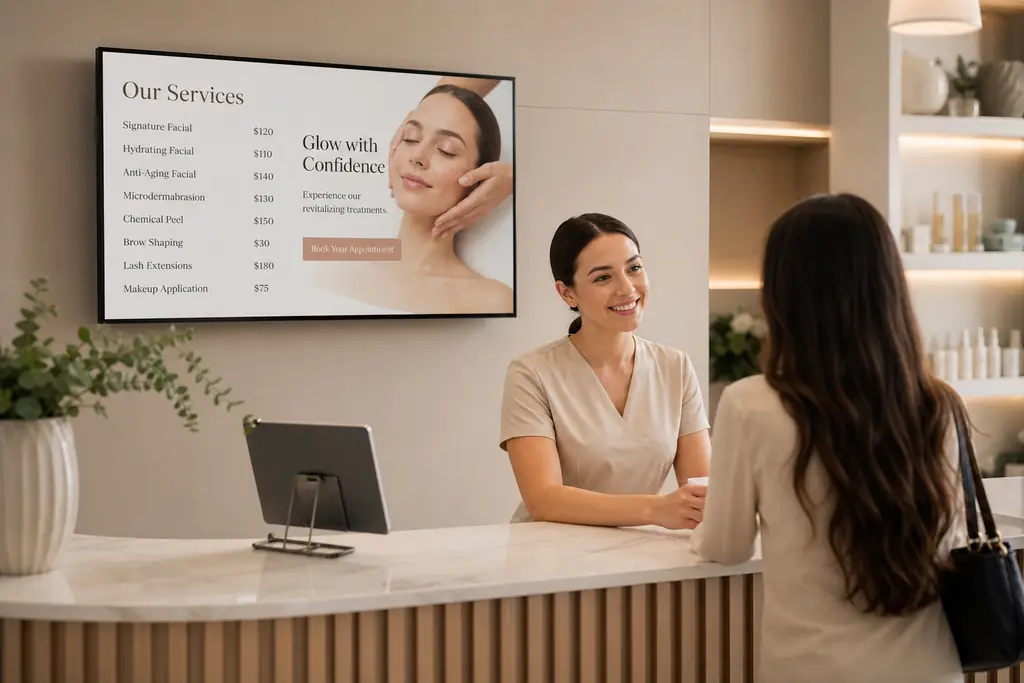
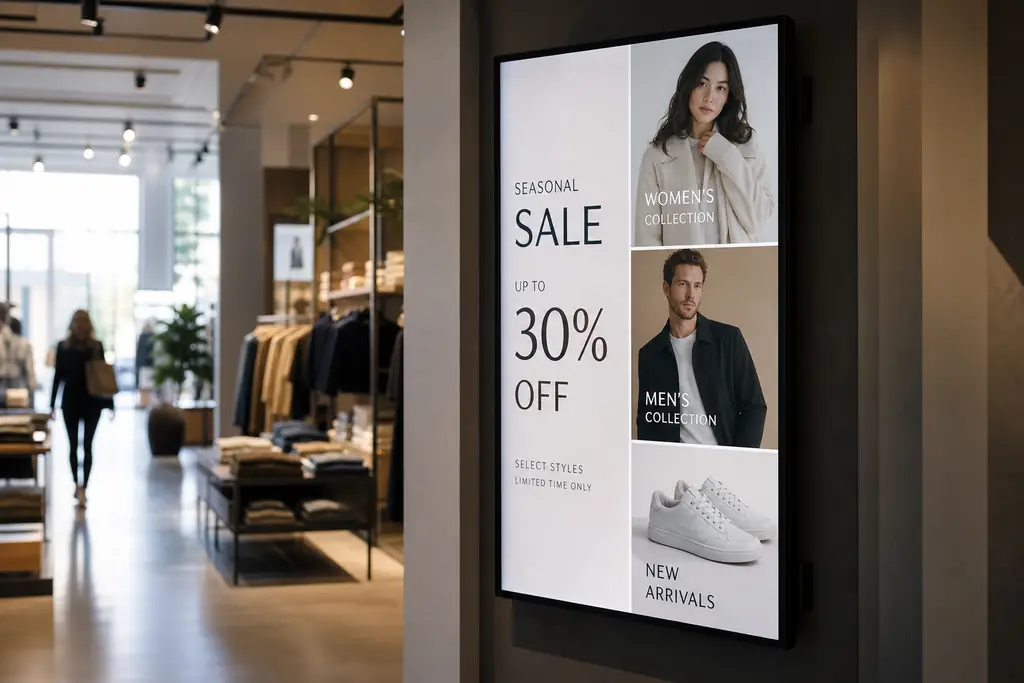
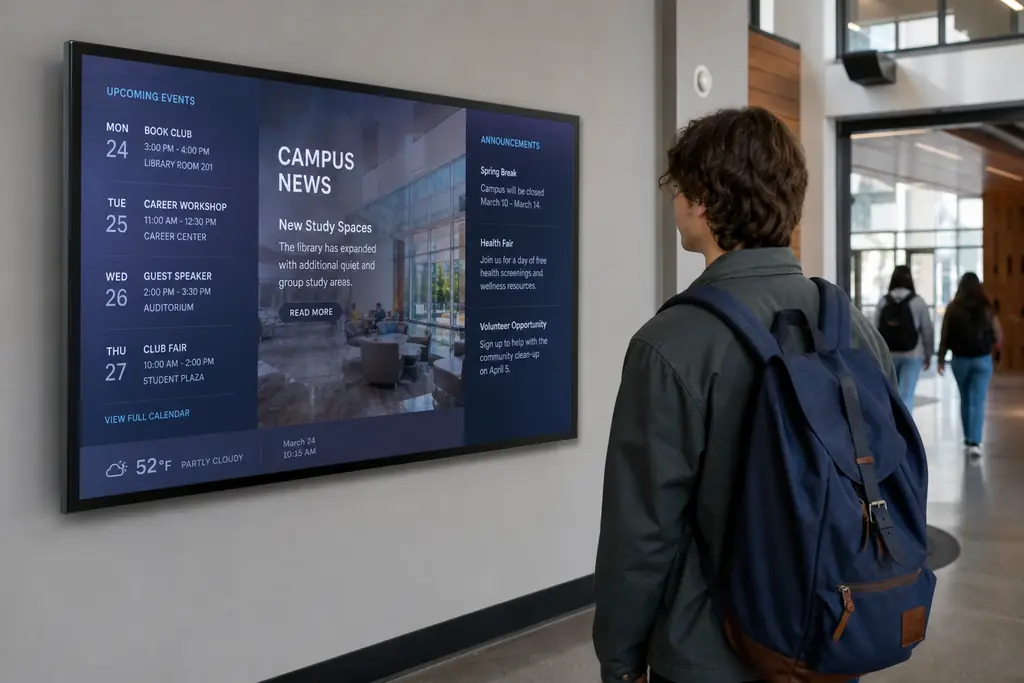

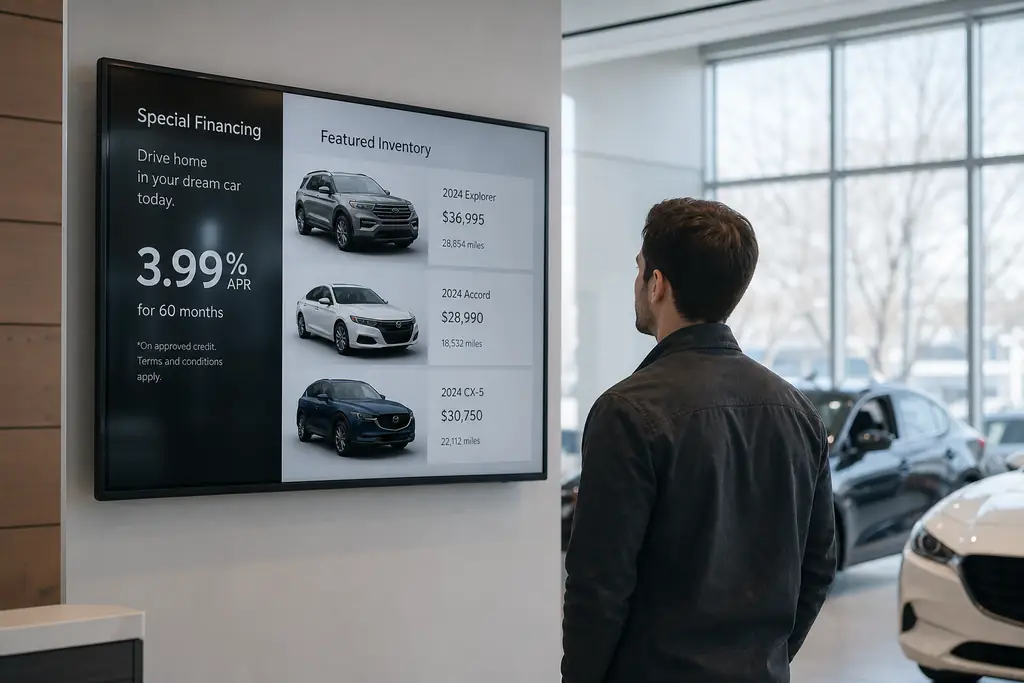
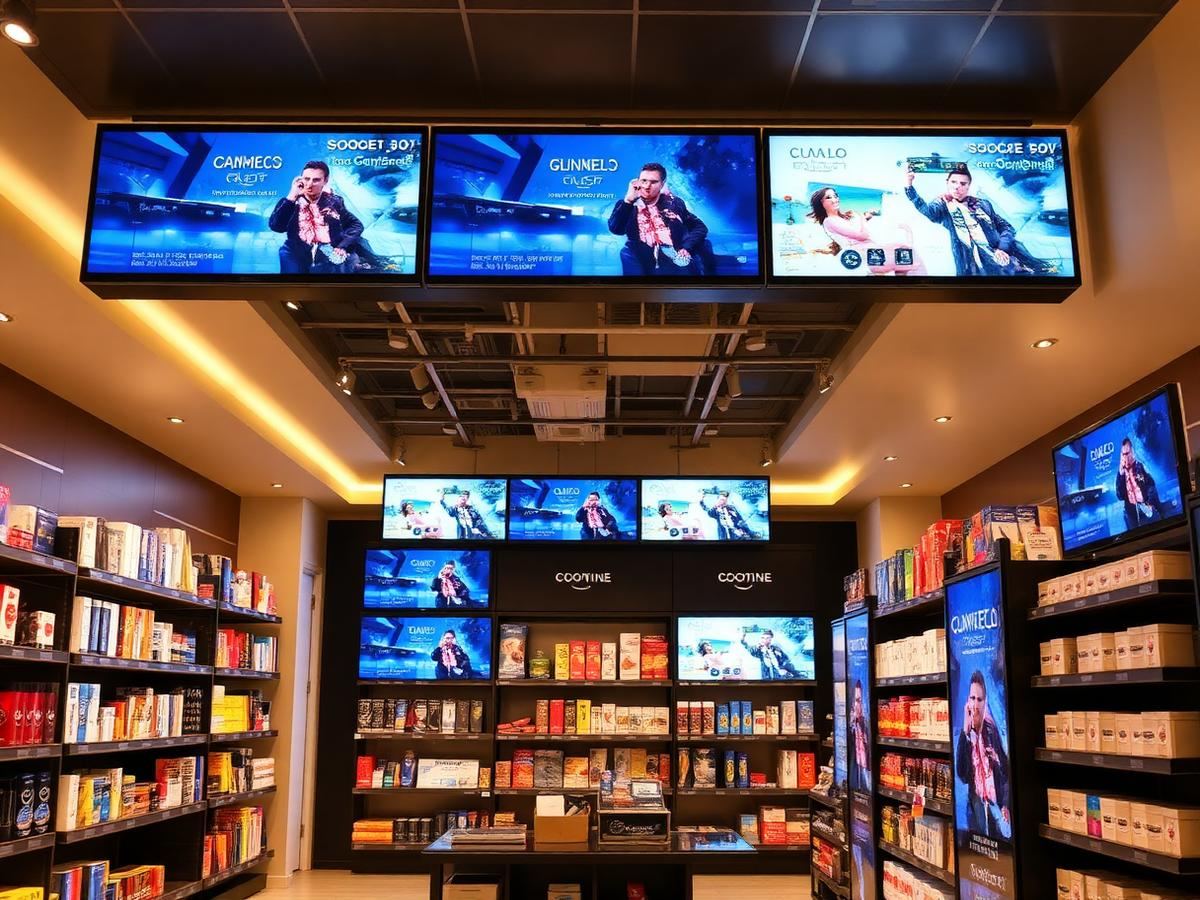
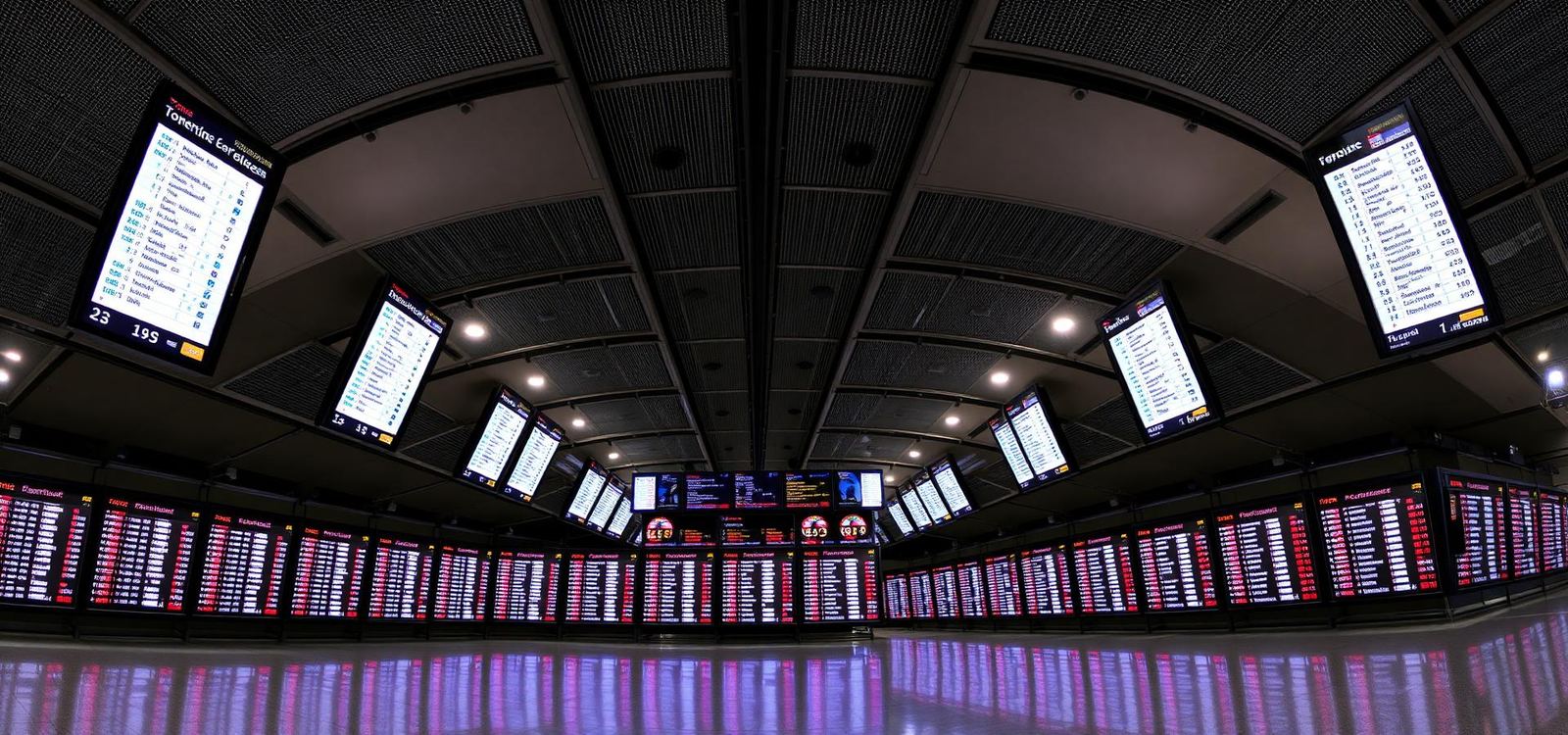
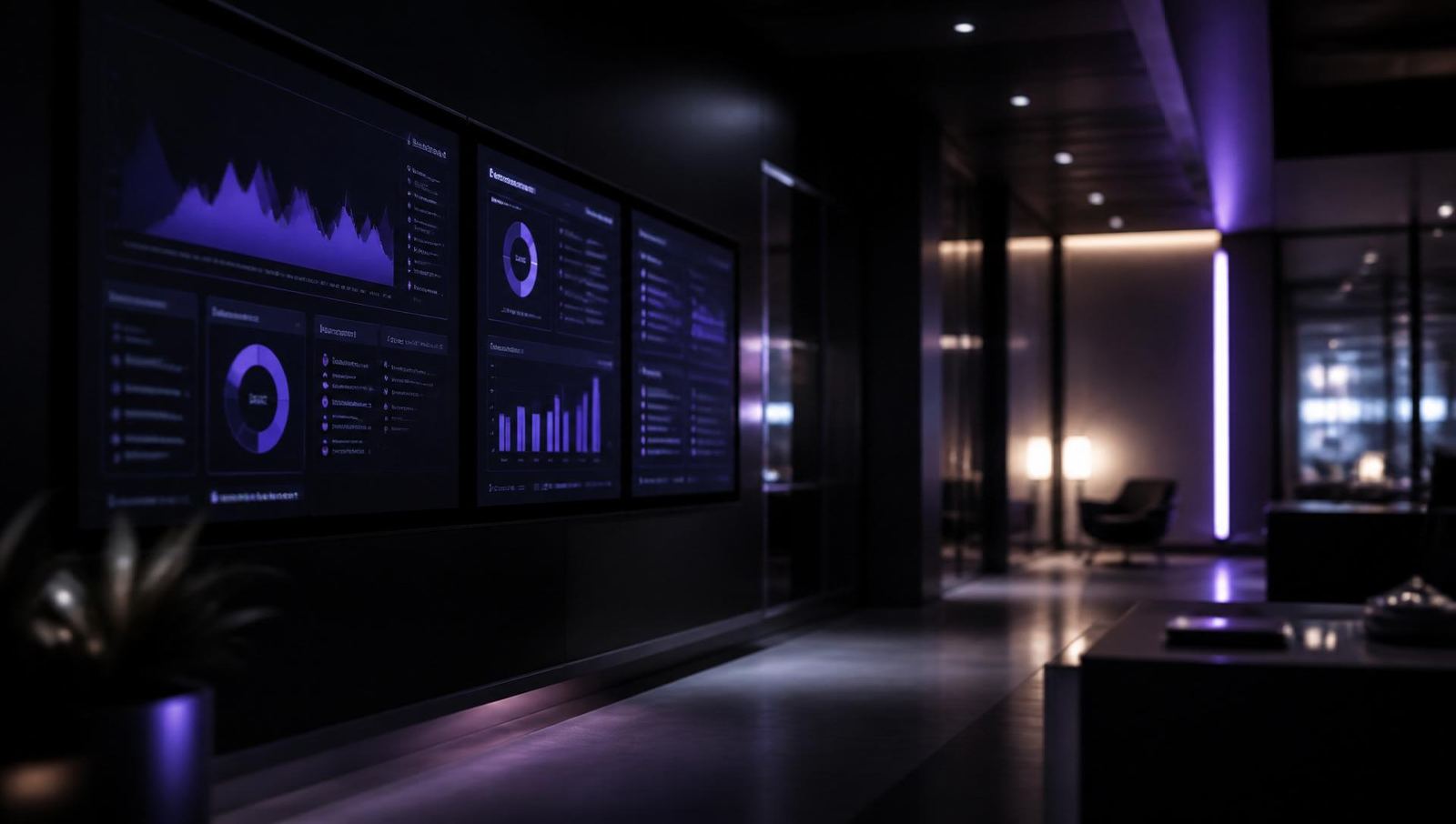
In the wild
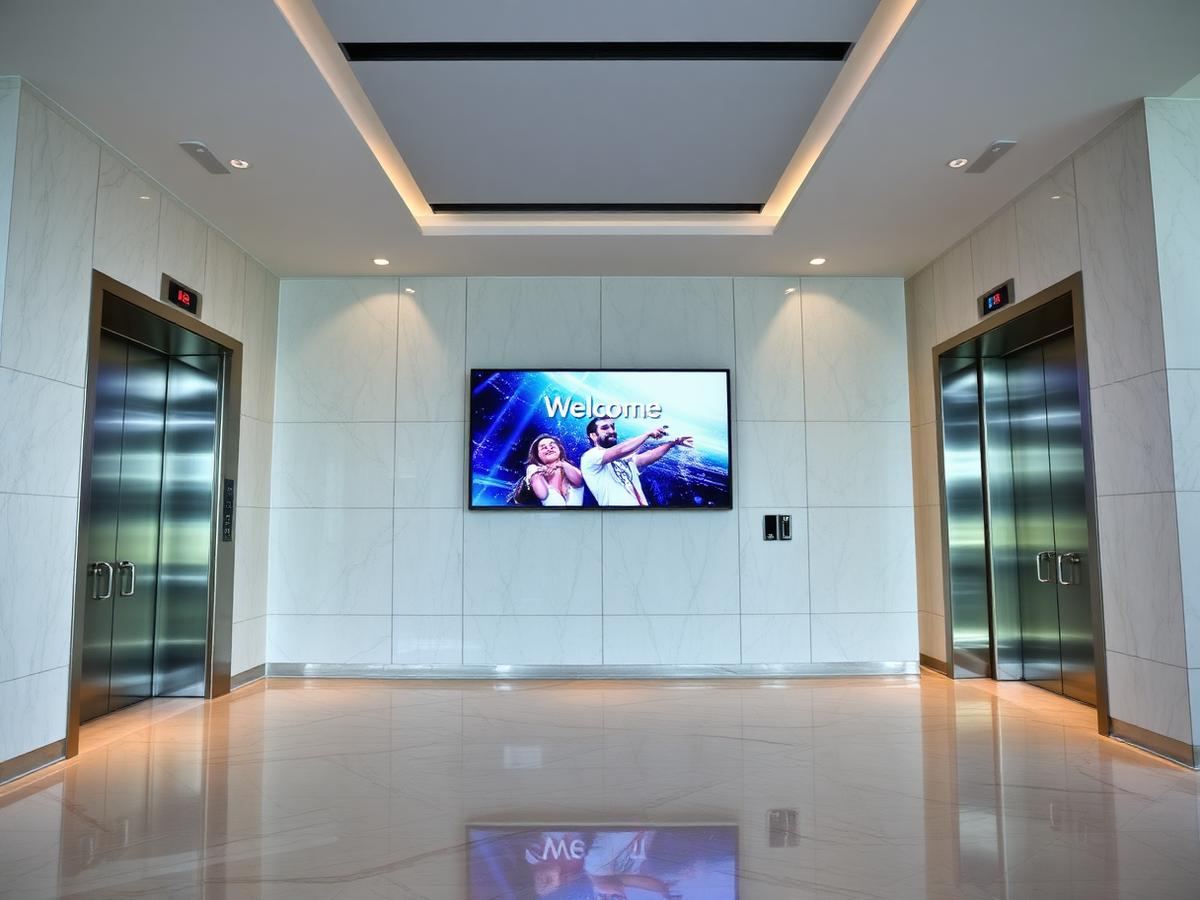
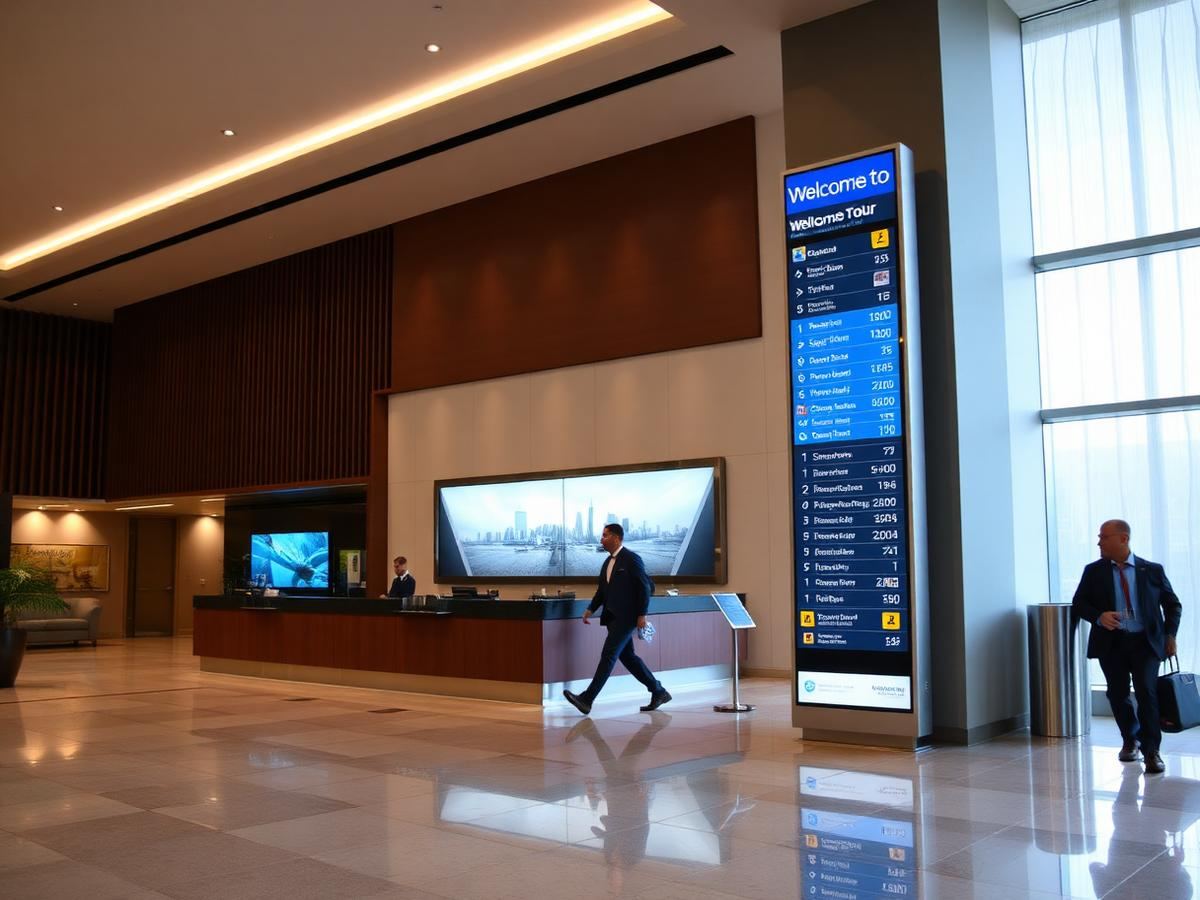
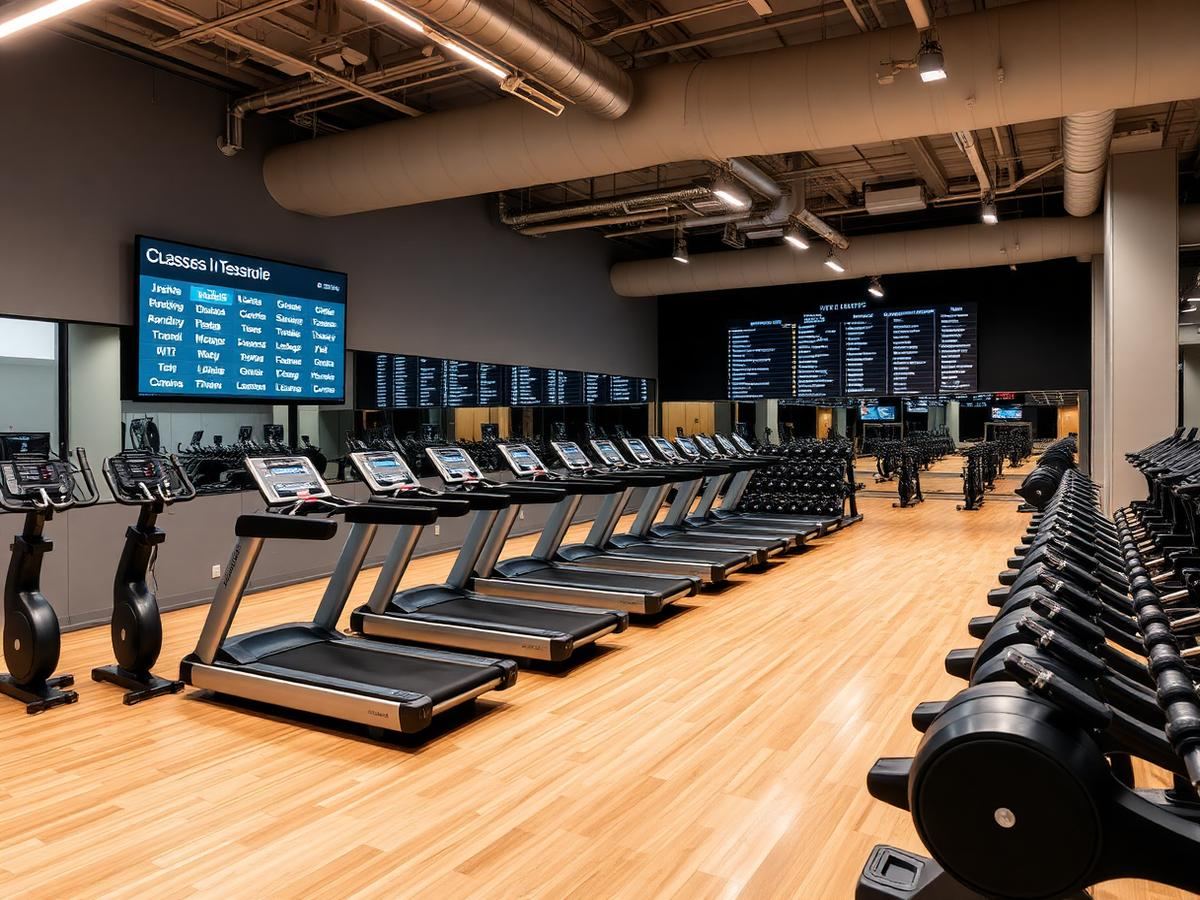
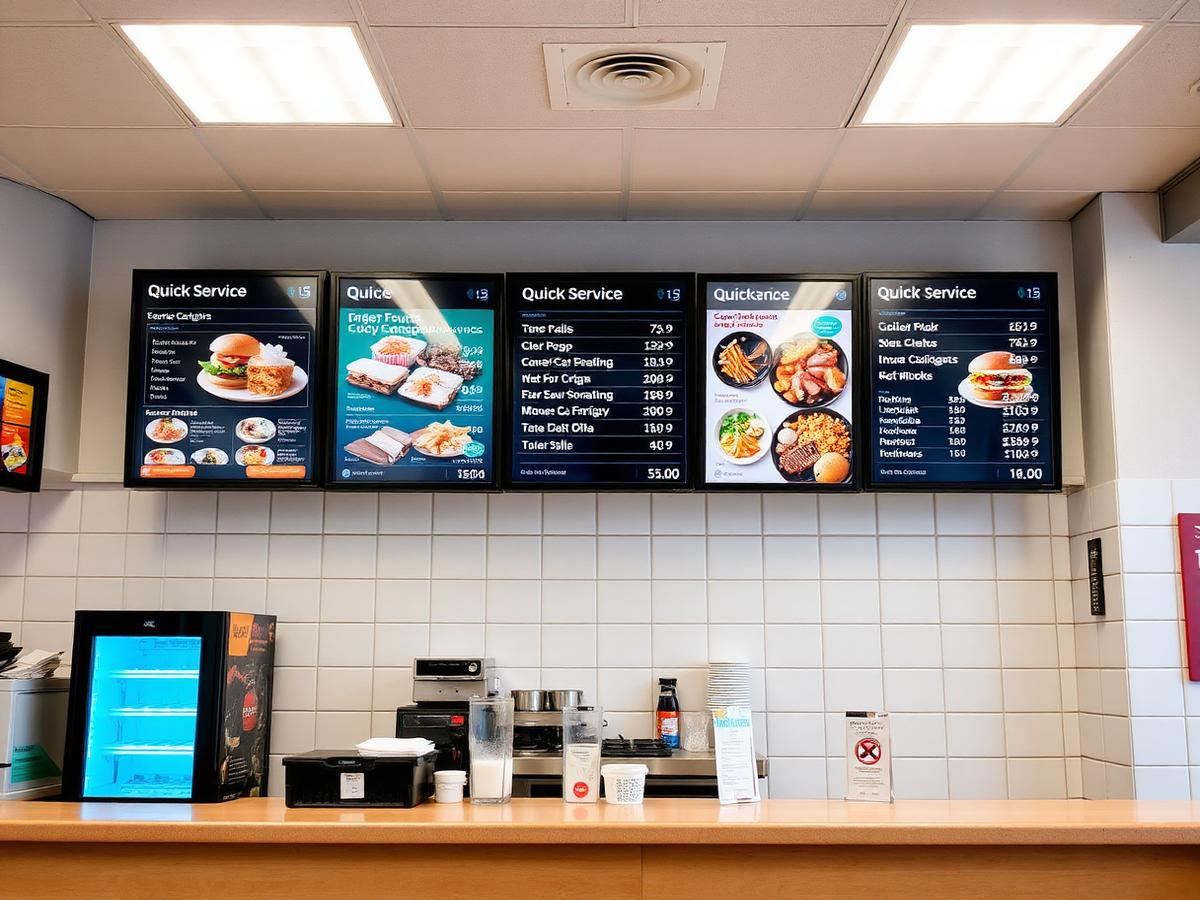
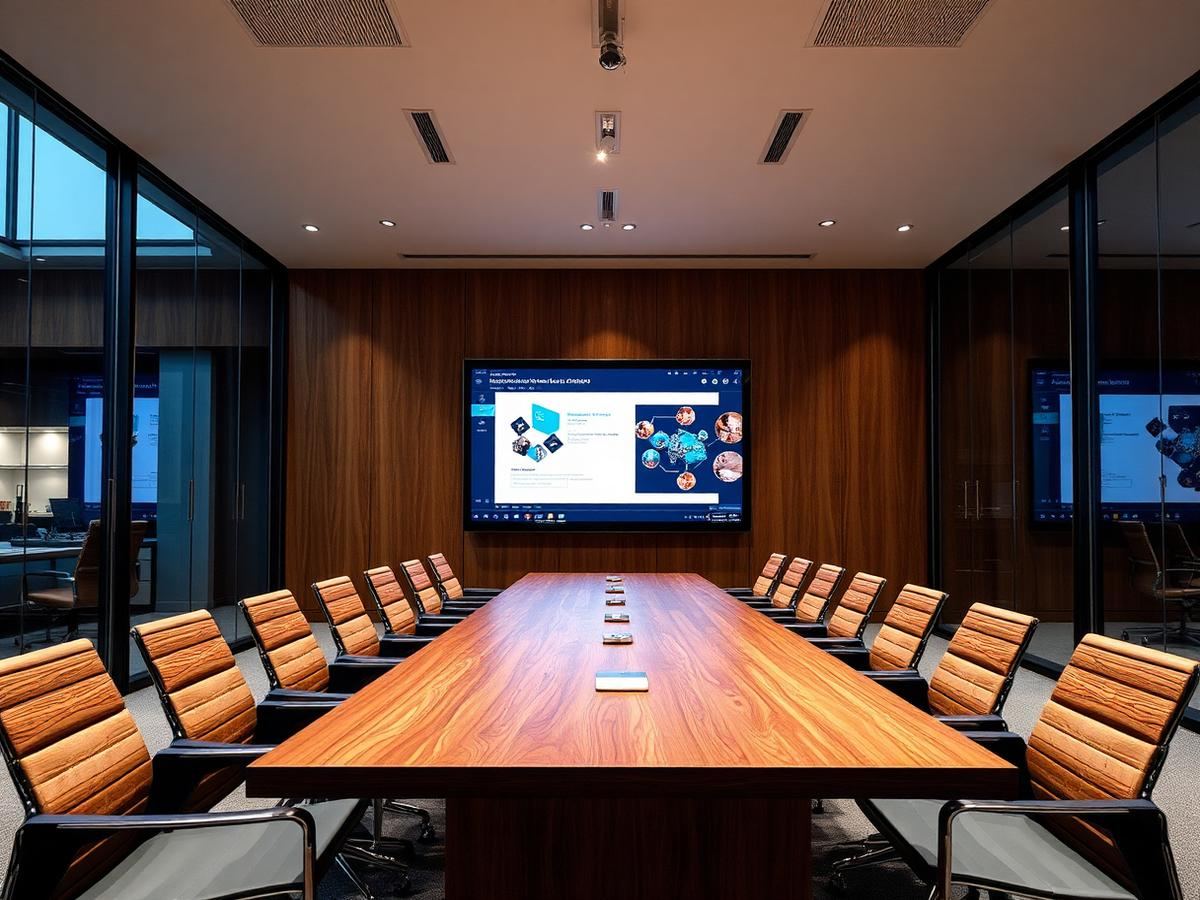
Screens that belong in the room.
From cafés to corporate lobbies — content that looks intentional, not improvised.
Specifications
Everything you need to run screens at scale.
- Pairing
- 6-digit code — no IT ticket
- Playlists
- Drag-and-drop sequencing
- Scheduling
- Time-based content rules
- Permissions
- Owner, admin, editor, viewer
- Offline mode
- Cached playback when disconnected
- Audit trail
- Activity log per workspace
Screens
Manage your digital signage screens
Lobby Display
Main entrance
Playlist
Welcome Loop
TC Room
Training centre
Playlist
Weekly Schedule
Bedroom TV
Suite 204
Playlist
No playlist
Menu Board
Café counter
Playlist
Morning Menu
Features
Designed for operators, not engineers.
BryteCast strips away the complexity of enterprise signage. Your marketing team, front-of-house staff, or facilities manager can own the screens — without calling IT.
Minutes to live
Pair a screen, upload content, and broadcast — before your coffee cools.
Instant updates
Push playlist changes to one screen or hundreds in real time.
Team workspaces
Invite colleagues with roles that match how you actually operate.
Always on
Offline caching keeps displays running when the network hiccups.
Customer story
“We had three screens live before lunch. I build playlists like a Spotify mix — swap a promo, schedule the breakfast menu, and every TV updates without calling anyone.”
Get started
Ready to upgrade your screens?
Start your 7-day free trial. No credit card required — pair your first screen in minutes.