
Waiting Room Screens for Dental and Medical Clinics: Calmer Patients, Fewer Questions
Use cases 6 min read
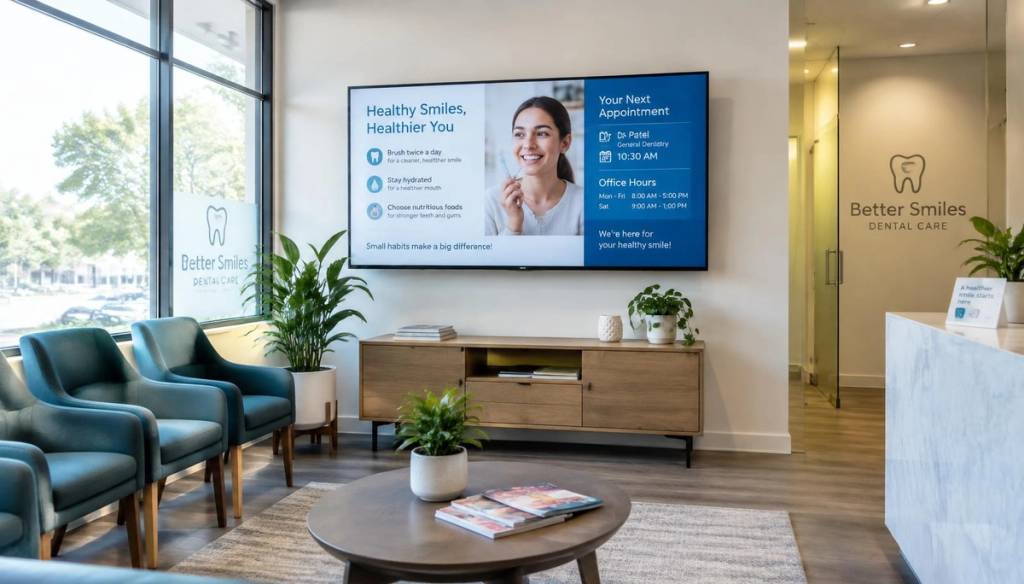
Waiting rooms are where patient anxiety builds. A well-planned screen gives people something useful to look at, answers common questions before they reach reception and quietly promotes treatments your practice offers.
Why clinics are replacing posters with screens
Noticeboards become cluttered and out of date. A single screen can rotate opening hours, seasonal reminders, treatment information and team profiles — and every update happens from a browser.
Content ideas for dental and medical waiting rooms
- Practice information — opening hours, emergency numbers, how to book online.
- Treatment spotlights — whitening, hygienist visits, Invisalign or flu jabs.
- Oral and general health tips in short, friendly slides.
- Meet the team — photos and short bios help nervous patients relax.
- Reviews from Google to reinforce trust.
Keep it calm
Use soft colours, slower transitions (10–15 seconds per slide) and avoid sound. Patients should be able to glance up, take in one message and look away.
Privacy first
Never display patient names or appointment details on a public screen. Keep content general and use a separate system for patient calling.
Schedule seasonal messages automatically
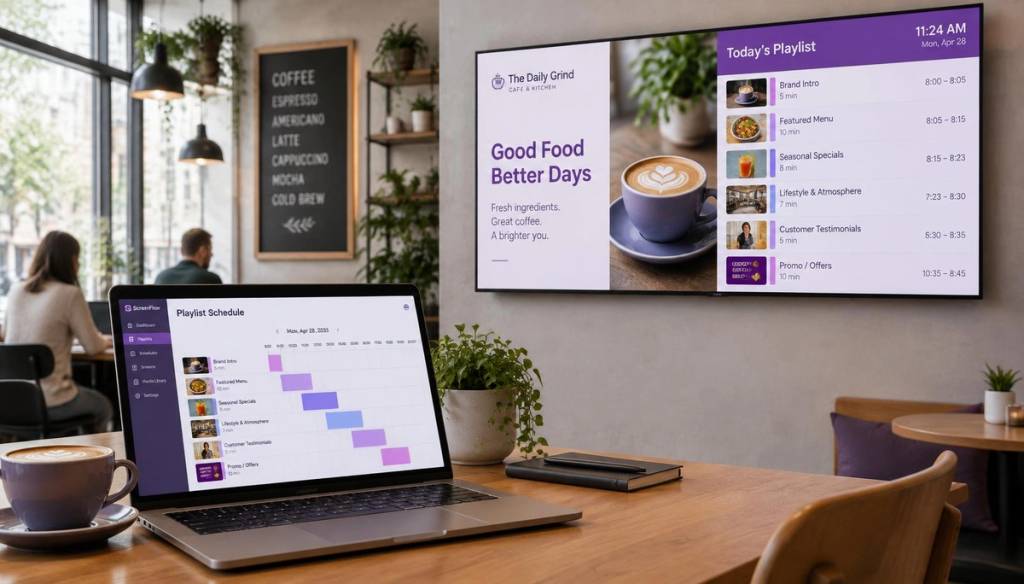
Set flu-season reminders to start in September, or promote school-holiday check-ups ahead of time. With BryteCast scheduling the right message plays at the right time without anyone remembering to change it.
Getting started
Most clinics already have a TV in the waiting area. Pair it with BryteCast in under two minutes, upload a few slides and you have a working patient-information screen today.

Get started
Ready to upgrade your screens?
Start your 7-day free trial. No credit card required — pair your first screen in minutes.