
7 Digital Menu Board Ideas That Increase Café and Restaurant Sales
Inspiration 5 min read
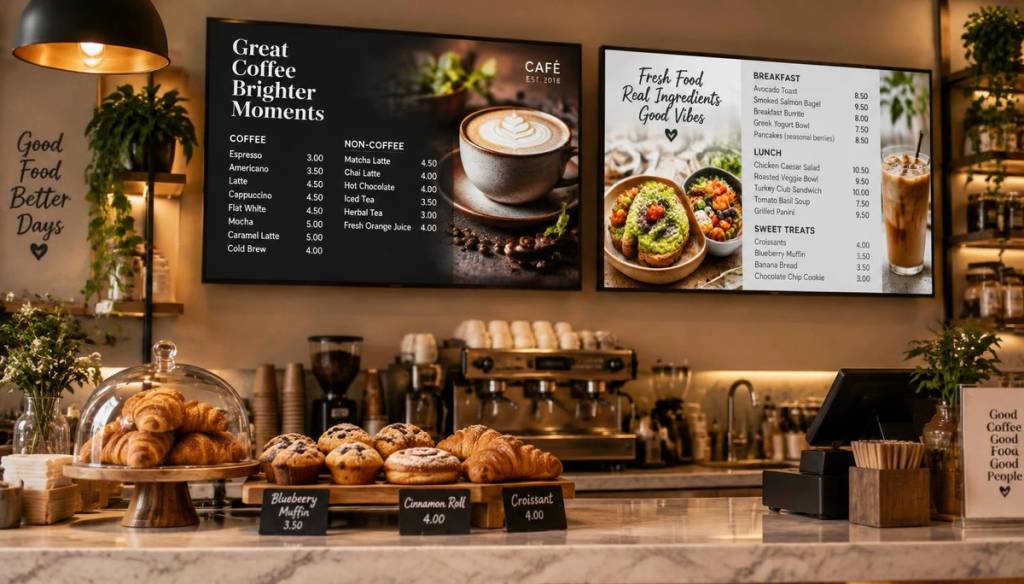
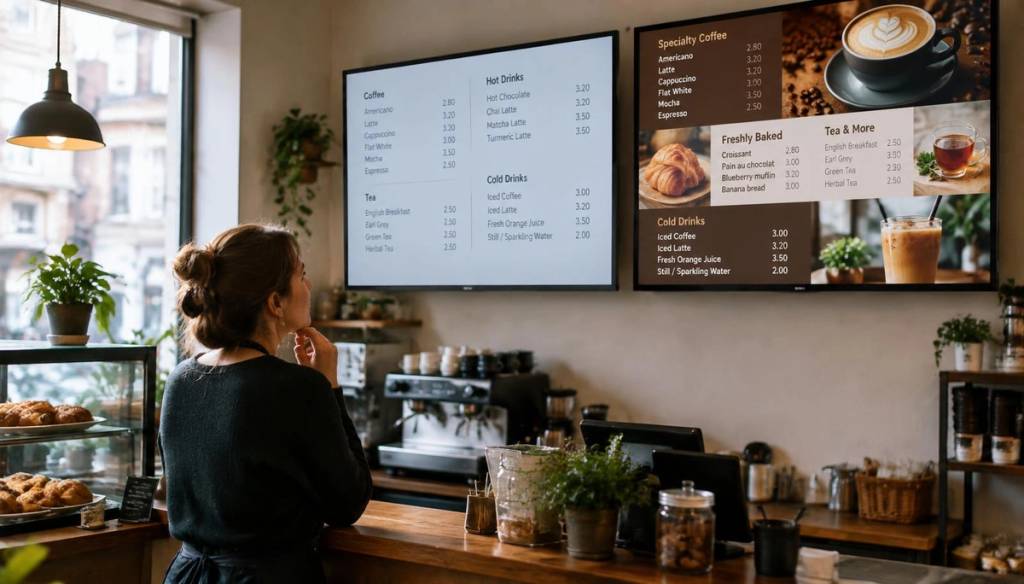
A digital menu board is the only marketing material every customer reads at the precise moment they decide what to buy. It is not a prettier version of a chalkboard. It is a sales tool that works while you serve. Here are seven practical ideas cafés and restaurants can use to turn that attention into larger orders, and how BryteCast makes each one possible from a single cloud dashboard.
BryteCast is a cloud-based digital signage platform. You manage every screen, playlist, and schedule from a web dashboard in your browser. There is no Fire Stick, Chromecast, media player, or extra hardware to buy. Open the BryteCast player URL in the browser on any smart TV or commercial display, enter the six-character pairing code from your dashboard, and your content plays and updates in real time over the internet. The TV you already own is the only screen hardware you need.
1. Daypart Your Menu Automatically
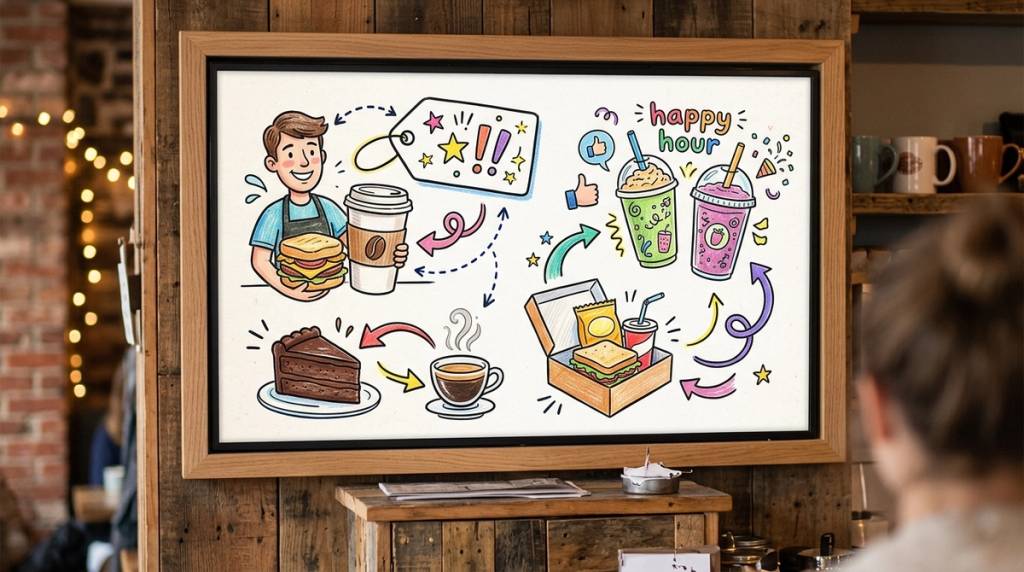
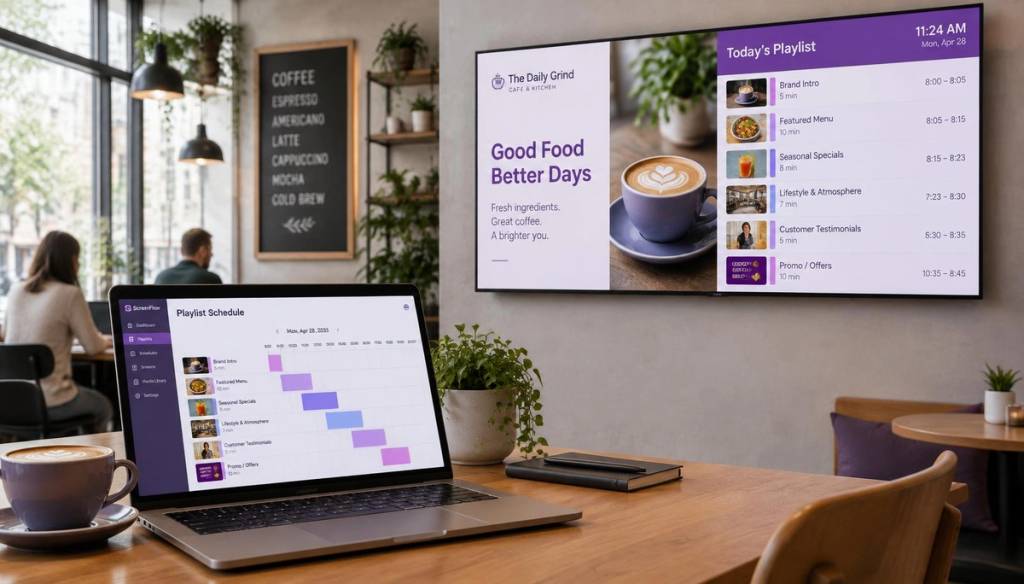
Breakfast until 11am, lunch until 3pm, and pastries with coffee for the afternoon lull. With BryteCast's scheduling tools, the switch happens on its own. No ladders, no marker pens, no staff remembering to flip the board at the right time.
Customers only see what is currently available, which cuts down on the awkward "sorry, we have stopped serving that" conversation at the till. Dayparting also keeps your board clean. A focused menu helps people decide faster, and faster decisions keep the queue moving during peak hours.
You can build as many playlists as you like in the BryteCast dashboard and assign each one to a time block. The platform handles the transitions, so your morning menu and your afternoon menu are never on screen at the same time. If you run multiple sites, the same schedule pushes to every location at once.
2. Give Your Highest-Margin Item the Hero Slot
Eyes land on the top-left and centre of a screen first. That is where your highest-margin item belongs, complete with a clear photo and price. Not your bestseller, because customers order that regardless. The hero slot should feature the item that adds the most profit to each ticket.
Menu engineering research consistently shows that featured items see double-digit lifts in order volume. A well-placed photo of a high-margin sandwich or specialty drink can move it from an afterthought to a top seller within weeks.
With BryteCast, you can drag your hero item into the prime position in seconds. Test it for a fortnight, check the numbers, and keep it or swap it out. The flexibility to rearrange your board without reprinting anything is where digital menus pay for themselves.
3. Use Motion Sparingfully
A subtle steam loop over a coffee cup. A slow crossfade between dessert photos. Motion draws the eye two to three times more than static images, but the rule is simple: one moving element per screen.
A wall of animation reads as noise. A single accent reads as appetite. Pick one element to animate, whether it is the steam off a flat white or a gentle fade between two pastry shots, and leave the rest of the board static so customers can read prices without distraction.
BryteCast supports image and video uploads, so you can mix static menu panels with a single looping motion graphic in the same playlist. Position the motion where you want attention to go, and keep your pricing panels steady and readable.
4. Kill Sold-Out Items in Seconds
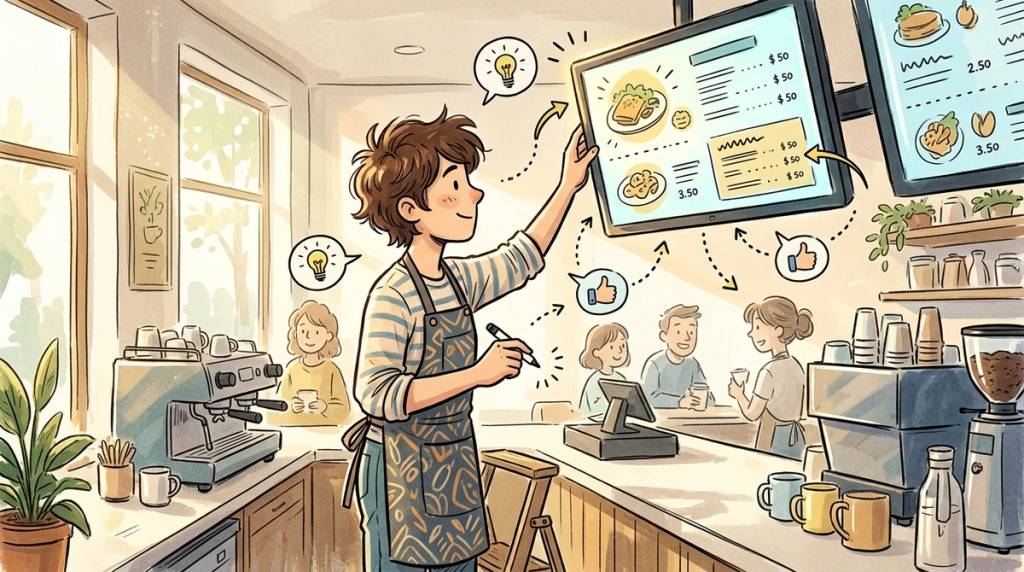
Nothing erodes trust like ordering from a board and hearing "we are out of that." When the kitchen 86s a dish, you need every screen to reflect the change immediately, not after the next shift.
With BryteCast, edit the playlist from the phone behind the counter and every screen updates in real time over the internet. Remove an item, swap in a replacement, or mark something as sold out with a single tap. This instant control is the single biggest reason operators switch from printed menus and chalkboards.
BryteCast turns the TVs you already own into menu boards you can change in seconds. The Starter plan is $29 per month and covers up to 3 screens, with image and video uploads, scheduling, and real-time updates included. You can try it free for 7 days with no card required.
5. Pair Every Hero Item With an Upsell
"Add a pastry for £2" next to the flat white. "Make it a meal" next to the sandwich. Upsell prompts work because they appear at the exact moment someone is already committed to spending.
Digital boards let you test pairings every week. Try a coffee-and-croissant combo for seven days, check whether average order value moves, and keep whichever pairing performs. Try doing that with printed menus that cost £40 a reprint and take three days to arrive.
BryteCast's playlist builder makes it straightforward to slot upsell messages between menu panels. You can position a small "add-on" graphic next to a hero item, schedule it to appear only during peak hours, and remove it the moment the data tells you it has stopped working.
6. Show Your Reviews While People Queue
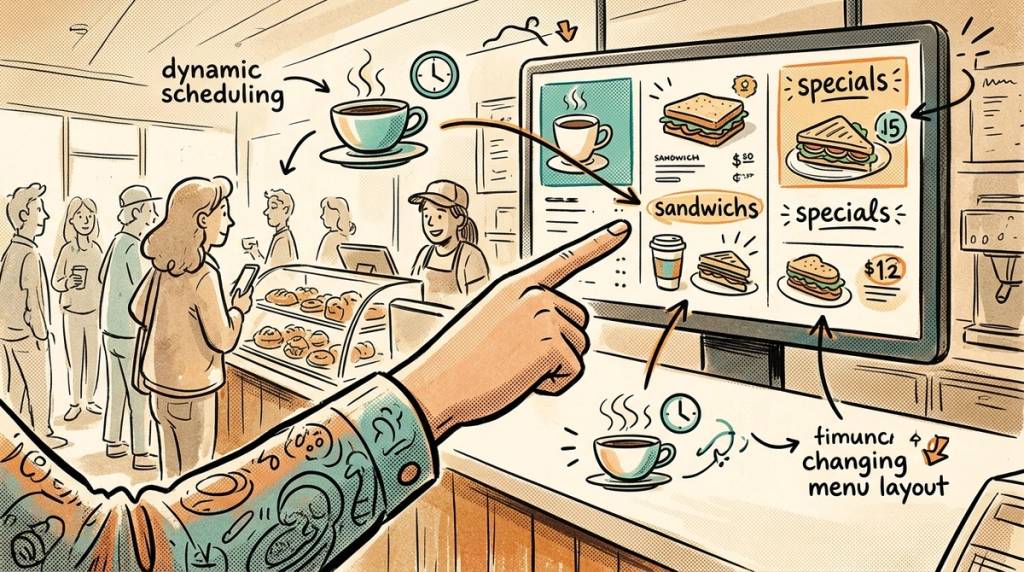
Rotate Google Reviews between menu screens. Social proof at the point of sale nudges hesitant first-timers toward a decision, and regulars love seeing their own words on the big screen.
BryteCast supports Google Reviews as a native content type, so you can pull live reviews into your playlist without manual copying and pasting. The reviews refresh automatically, which means the content on your board is always current without any extra work from your team.
This idea pairs well with dayparting. Show reviews during quiet periods to build confidence among walk-ins, then switch to a focused menu during the lunch rush when speed matters more than persuasion. You can see more about how this works on the cafés and restaurants use-case page.
7. Run Limited-Time Offers That Are Actually Limited
"This week only" works because digital boards make it true. The offer appears on schedule and disappears on schedule. No one has to remember to take down a poster, and no stale "limited time" sign lingers for three months until it loses all credibility.
Seasonal limited-time offers give regulars a reason to look at the board on every visit. If the content changes, people pay attention. If the board has been the same for six months, they stop looking.
Build a limited-time playlist in BryteCast, set a start and end date, and the platform handles the rest. The offer shows up when you want it to and removes itself when the window closes. You can read more about scheduling and content control on the digital menu boards use-case page.
Start With Two Changes, Measure, Repeat
You do not need to redesign everything at once. Daypart your menu and add one upsell pairing. Run that combination for two weeks and watch your average order value. If it moves in the right direction, keep it. If not, try a different pairing. Iteration is the advantage digital menus have over print, and BryteCast makes every iteration take seconds rather than days.
New to digital signage? You can go live the same day. Open the BryteCast player URL in the browser on any smart TV or display, enter the six-character pairing code from your dashboard, and your menu is on screen. No hardware to buy, no installer to book, no streaming stick to hide behind the TV.
The Starter plan is $29 per month for up to 3 screens, with full scheduling, real-time updates, and image and video uploads. Try it free for 7 days and see the difference a live menu board makes.
Start your 7-day free trial now
If you are rolling out across multiple locations, talk to us about multi-site management, or explore the full range of BryteCast use cases to see what else your screens can do.
Get started
Ready to upgrade your screens?
Start your 7-day free trial. No credit card required — pair your first screen in minutes.