
Digital Signage for Estate Agents: Turning Your Shop Window into a 24/7 Lead Generator
Use cases 7 min read
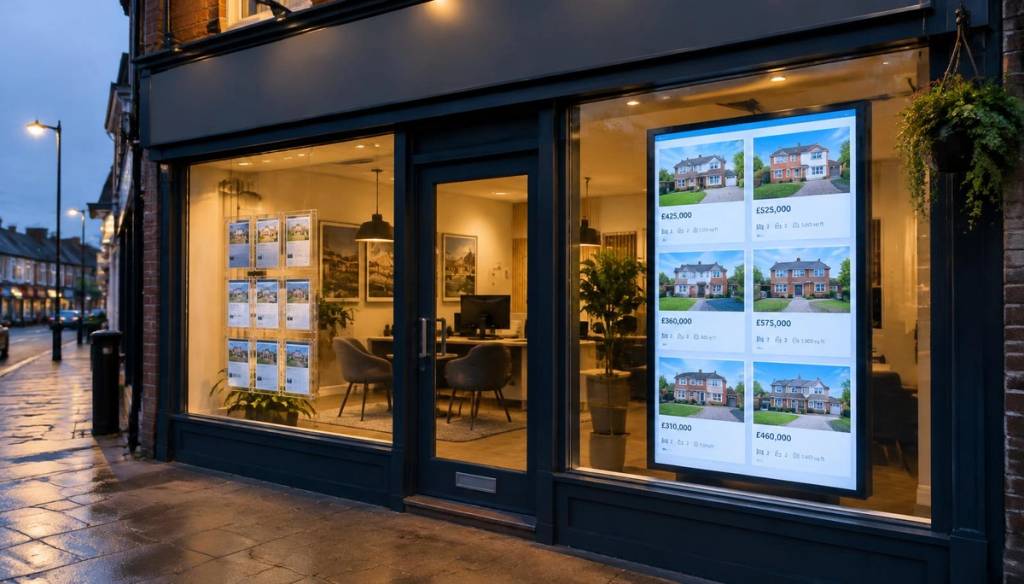
Your shop window is still one of the most valuable marketing assets on the high street. Passers-by walk past it every evening, every weekend and every bank holiday — often when your office is closed. Printed property cards fade, go out of date and take staff time to swap. A digital window display fixes all three problems.
Why paper window cards are costing you enquiries
A property goes under offer on Tuesday, but the card stays up until Friday. A price reduction is agreed, but nobody reprints the card. Buyers notice, and stale listings quietly erode trust. With cloud digital signage, the listing on screen changes the moment you update it — from the office, from a viewing, or from your phone.
What to show on an estate agent window screen
- Featured new instructions — large photos, price, bedrooms and location.
- Just sold and under offer — social proof that you move properties quickly.
- Free valuation offers — the single highest-converting message for winning new instructions.
- QR codes linking to full listings or booking a valuation, so evening browsers can act instantly.
- Team introductions and reviews to build familiarity with local sellers.
Portrait screens work best in windows
Most estate agent windows suit a portrait-mounted screen. It mirrors the shape of a traditional property card, fits between window frames and shows one or two listings at a readable size from the pavement. Choose a high-brightness display if your window faces the sun.
Schedule content for the time of day
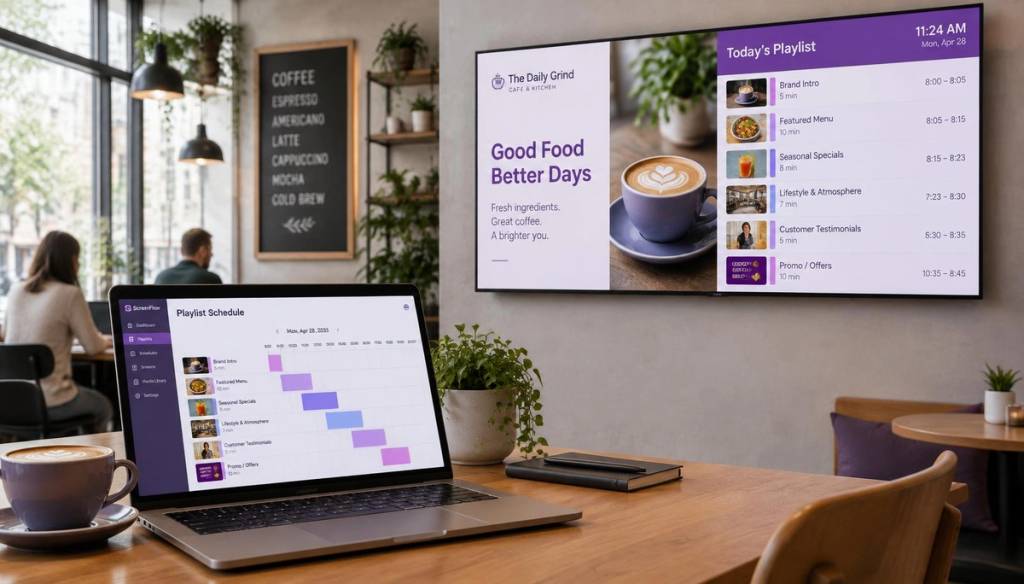
Mornings can focus on new instructions for commuters; evenings and weekends can push free valuations and QR codes when the office is closed. With BryteCast you build a playlist once and schedule it to change automatically.
Managing multiple branches
If you run several offices, cloud signage lets head office push brand campaigns everywhere while each branch controls its own local listings. No USB sticks, no site visits.
Getting started
You can turn any TV or commercial display into a window screen in minutes: pair it with BryteCast, upload your listing images, set durations and publish. Start with a free trial and see how many extra enquiries your window generates.
Get started
Ready to upgrade your screens?
Start your 7-day free trial. No credit card required — pair your first screen in minutes.