
The Ultimate Guide to Gym and Fitness Studio Cloud Digital Signage Software in 2026
Use cases 5 min read
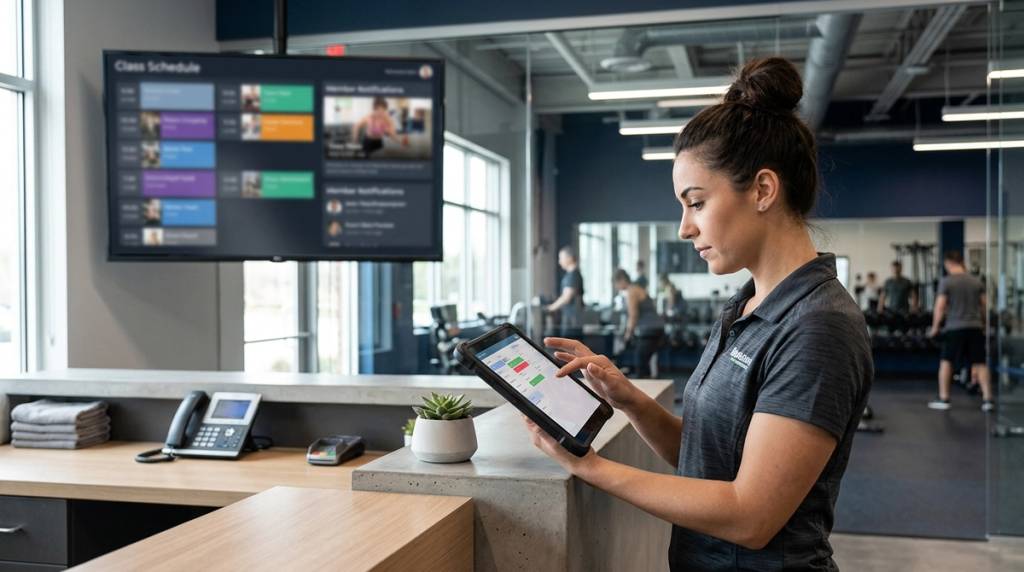
Did you know that 80% of brands offering digital communication systems have reported experiencing a boost in sales, often reaching up to 33%? If you run a health club or boutique studio, investing in gym and fitness studio cloud digital signage software is the most practical way to turn every screen into a class promoter and silent salesperson.
Key Takeaways
| Question | Answer |
|---|---|
| What is gym and fitness studio cloud digital signage software? | It is a cloud-based SaaS platform that lets you manage TV screens, playlists, and schedules from a central web dashboard. |
| Do I need extra hardware like a Fire Stick or media player? | No. You only need a display with a modern web browser. BryteCast runs entirely in the cloud. |
| How do I set it up? | Open the BryteCast player URL in your TV browser, enter the 6-character pairing code from your dashboard, and your content plays instantly. |
| What can I display on my screens? | You can display live class timetables, promotional offers, personal trainer profiles, and member milestones. See our gym use cases for more details. |
| How much does it cost? | Our Starter plan costs $29 per month and includes 3 screens. You can view all tiers on our pricing page. |
| How do I start a 7-day free trial? | You can sign up directly via our authentication portal to test the platform with your own screens. |
Why Gym and Fitness Studio Cloud Digital Signage Software is Shifting in 2026
The fitness industry has changed significantly this year. Members expect real-time updates, dynamic schedules, and engaging visual content when they walk through your doors.
Paper posters and printed timetables no longer meet these expectations. They look unprofessional and require manual labour to replace.
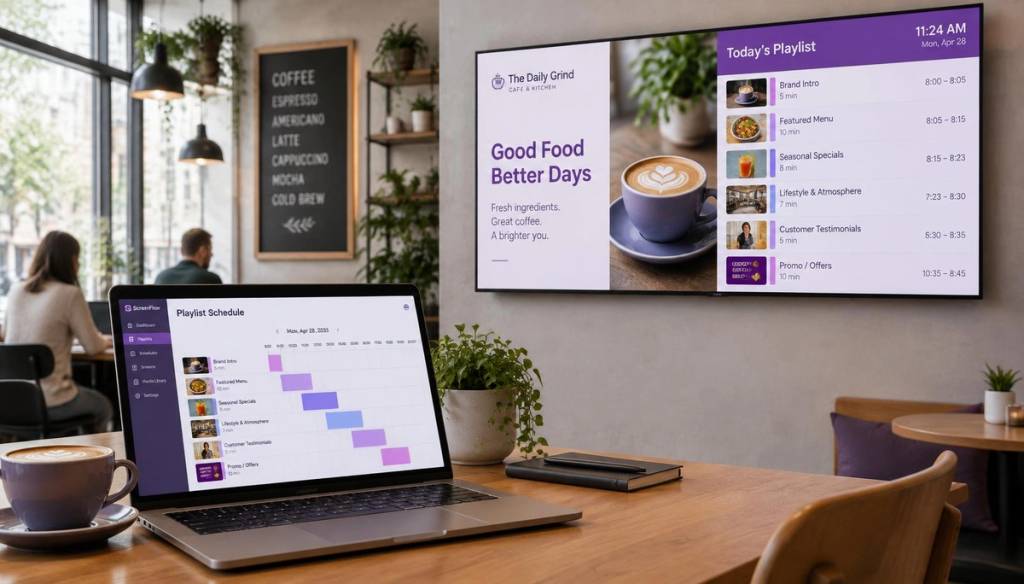
Using gym and fitness studio cloud digital signage software allows you to adapt to these changes instantly. You can push promotions, update class times, and celebrate member milestones from your phone.
We built BryteCast to make this transition simple for fitness business owners. You do not need technical skills to manage your screens.
How to Set Up Gym and Fitness Studio Cloud Digital Signage Software
Setting up traditional digital signage often involves complex hardware installations. You usually need media players, cables, and IT support.
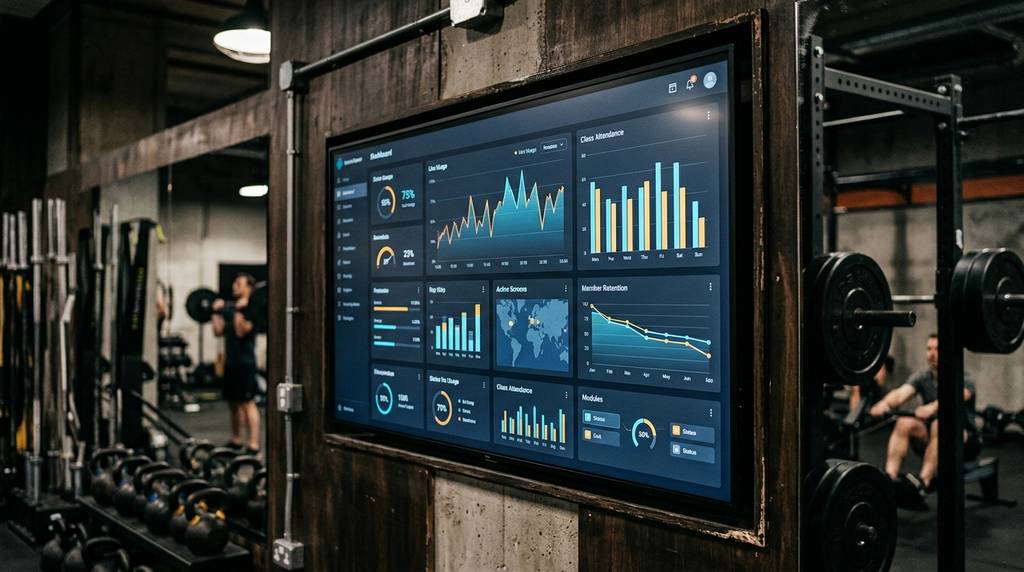
Our approach completely removes these barriers. BryteCast is a cloud-based SaaS platform, meaning the software layer lives entirely in the cloud.
You do not need a Fire Stick, Chromecast, streaming stick, or any extra hardware connector. If you own a smart TV, commercial display, or tablet with a modern browser, you already have the necessary hardware.
The setup process takes just a few minutes. First, open the BryteCast player URL in the browser on your display.
Next, log into your cloud dashboard on your computer or phone. You will see a 6-character pairing code generated for your new screen.
Enter that code on your TV browser. Your content will immediately play and update in real time over the internet.
If you have an older display without a built-in browser, that is the only edge case where a cheap streaming device might help. However, BryteCast itself remains a cloud SaaS solution, not hardware.
Top Content to Display on Gym and Fitness Studio Cloud Digital Signage Software
Choosing the right content is critical for keeping members engaged. You want to fill more classes and sell more memberships.
Here are the most effective types of content to put on screen using your gym and fitness studio cloud digital signage software:
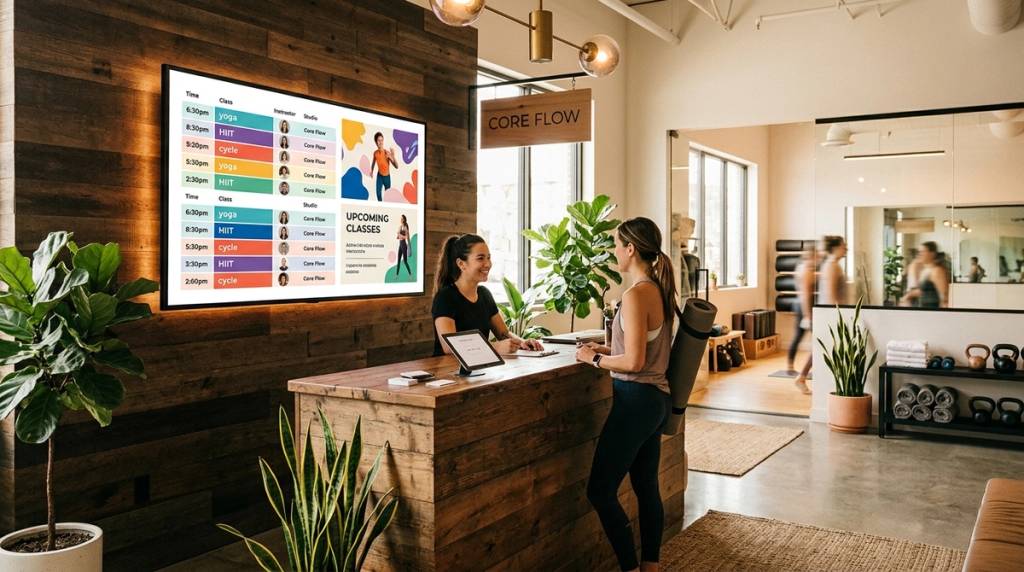
- Class Timetables: Display an auto-rotating weekly schedule with live updates. If a session is cancelled or moved, the screens reflect the change instantly.
- Promotions and Offers: Push promos, membership discounts, and referral bonuses to every screen in seconds without paying an agency.
- PT and Coach Profiles: Showcase trainer bios, specialties, and booking options to drive personal training revenue.
- Member Milestones: Celebrate member achievements with on-screen updates to build community and improve retention.
You can manage all of this from a single web dashboard. We designed this workflow specifically for gym owners and managers.
Why Cloud-Based SaaS Means Zero Hardware Hassles
Many gym owners delay upgrading their screens because they fear the installation process. Traditional systems require expensive media players attached to every TV.
These physical players break, overheat, and require manual updates. They also create clutter behind your displays.
BryteCast is the software layer in the cloud. The TV or display you already own is the only screen hardware required.
Did You Know? Nearly 50% of the individuals who sign up for new gym memberships end up canceling them within the first six months. Source: Market.usWith nearly half of new members cancelling within six months, engagement tools are not optional. They are a necessity for survival.
Using gym and fitness studio cloud digital signage software keeps your communication fresh. You can highlight community challenges and wellness tips to keep members motivated.
This constant engagement helps bridge the danger zone of the first half-year. Members who feel connected to your community are less likely to leave.
Promoting Personal Training and Referrals Through Gym and Fitness Studio Cloud Digital Signage Software
Personal training is one of the most profitable revenue streams for any fitness facility. However, many members do not know which trainers are available or how to book them.
You can use BryteCast to showcase PT availability and referrals directly on the gym floor. When members rest between sets, they look at your screens.
This is the perfect moment to display a short video of a trainer introducing themselves. You can include a QR code for instant booking.
You can update this content from your central dashboard without printing new flyers. If a trainer changes their hours, you simply update the playlist.
Our platform also supports referral messaging. You can push referral bonuses to every screen instantly, encouraging your existing members to bring friends.
Multi-Location Ready: Cloud Digital Signage Software for Fitness Franchises
Managing multiple clubs or rooms presents a unique challenge. You need consistent branding but localized content.
BryteCast is multi-location ready. You can coordinate content across multiple clubs from one cloud dashboard.
You can create a general playlist for brand-wide promotions. Then, you can schedule location-specific class timetables for each individual branch.
This centralized control saves franchise owners hours of administrative work. You do not need to call each location to verify their screens are updated.
Everything happens in real time over the internet. If you need to make an announcement across all locations, you can do it in seconds.
Affordable Pricing for Gym and Fitness Studio Cloud Digital Signage Software
We believe in democratizing digital signage. It should be simple and affordable for businesses of all sizes.
Our pricing structure is designed to scale with your facility. You can view our detailed pricing plans on our website.
The Starter plan costs just $29 per month and includes 3 screens. This is perfect for independent studios, small gyms, or boutique fitness centres.
Did You Know? 33% of users manage anywhere from 1 to 24 digital display or signage screens. Source: Market.usWith 33% of users managing between 1 and 24 screens, the Starter plan fits the majority of small business needs perfectly. It supports up to 3 screens with no complex hardware overhead.
For multi-location teams needing more controls, the Business plan costs $79 per month and includes 5 screens. It offers role-based permissions and advanced scheduling.
The Growth plan costs $139 per month and includes 10 screens. It is built for franchises and enterprises that need advanced capabilities.
Digital communication systems don't just look good—they directly impact the bottom line for fitness studios.
Every plan includes image and video uploads, playlist creation, and offline mode. If your internet drops, your screens will use cached playback to keep displaying your content.
You can start a 7-day free trial today by visiting our authentication portal. No credit card is required to explore the platform.
Conclusion
Upgrading your facility with gym and fitness studio cloud digital signage software is a direct investment in member engagement and revenue. BryteCast provides a pure cloud SaaS solution that requires no extra hardware.
You can pair your existing screens in minutes using a simple 6-character code. From there, you manage everything from a central web dashboard.
Whether you run a single boutique studio or a multi-location franchise, our platform scales to meet your needs. Plans start at just $29 per month for 3 screens.
Stop relying on printed posters and disconnected screens. Start your 7-day free trial today and turn every display in your gym into a silent salesperson.
Frequently Asked Questions
What is gym and fitness studio cloud digital signage software?
It is a cloud-based platform like BryteCast that lets you manage TV screens, playlists, and schedules from a central web dashboard. You do not need physical media players or streaming sticks to run it.
Do I need a Fire Stick or Chromecast to use BryteCast in my gym?
No, you do not need any extra hardware connectors. BryteCast runs in the cloud, so you simply open the player URL in your TV's browser and enter a 6-character pairing code to start displaying content.
How much does gym and fitness studio cloud digital signage software cost?
Our Starter plan costs $29 per month and includes 3 screens, making it ideal for small studios. We also offer Business and Growth plans for larger teams and multi-location franchises.
Can I update class timetables in real time?
Yes, BryteCast allows you to push live updates to class schedules instantly. If a class time changes or a session is cancelled, your lobby TV and gym floor screens will reflect the update immediately over the internet.
Is BryteCast suitable for multi-location fitness franchises?
Absolutely. BryteCast is multi-location ready, allowing you to coordinate content across multiple clubs from one dashboard. You can maintain consistent branding while scheduling localized content for individual branches.
What happens to my screens if the internet goes down?
BryteCast features an offline mode that relies on cached playback. If your connection drops, your screens will continue displaying your scheduled content until the internet is restored.
How do I start a free trial of BryteCast?
You can start a 7-day free trial by visiting our authentication portal. Simply create an account, pair your existing screens via the browser, and test the platform with your own content.
Get started
Ready to upgrade your screens?
Start your 7-day free trial. No credit card required — pair your first screen in minutes.