
The Ultimate Guide to Office Internal Communications Cloud Digital Signage in 2026
Use cases 5 min read

Managing modern workplaces requires reliable office internal communications cloud digital signage to keep everyone aligned. With companies losing $10,140 annually per employee due to ineffective communication, we must prioritise clear and visible messaging.
Key Takeaways
- What is office internal communications cloud digital signage? It is a cloud-based SaaS platform that pushes updates, KPIs, and announcements to screens in your workplace.
- Do I need extra hardware for cloud digital signage? No, with BryteCast, you only need a smart TV or commercial display with a modern browser.
- How much does digital signage cost? You can start with our Starter plan for just $29 per month, which includes up to three screens.
- Can I manage multiple office screens from one place? Yes, a central cloud dashboard lets you control all your displays remotely and in real time.
- Does digital signage improve productivity? Yes, it streamlines information flow and reduces digital noise, leading to a 25% increase in employee productivity.
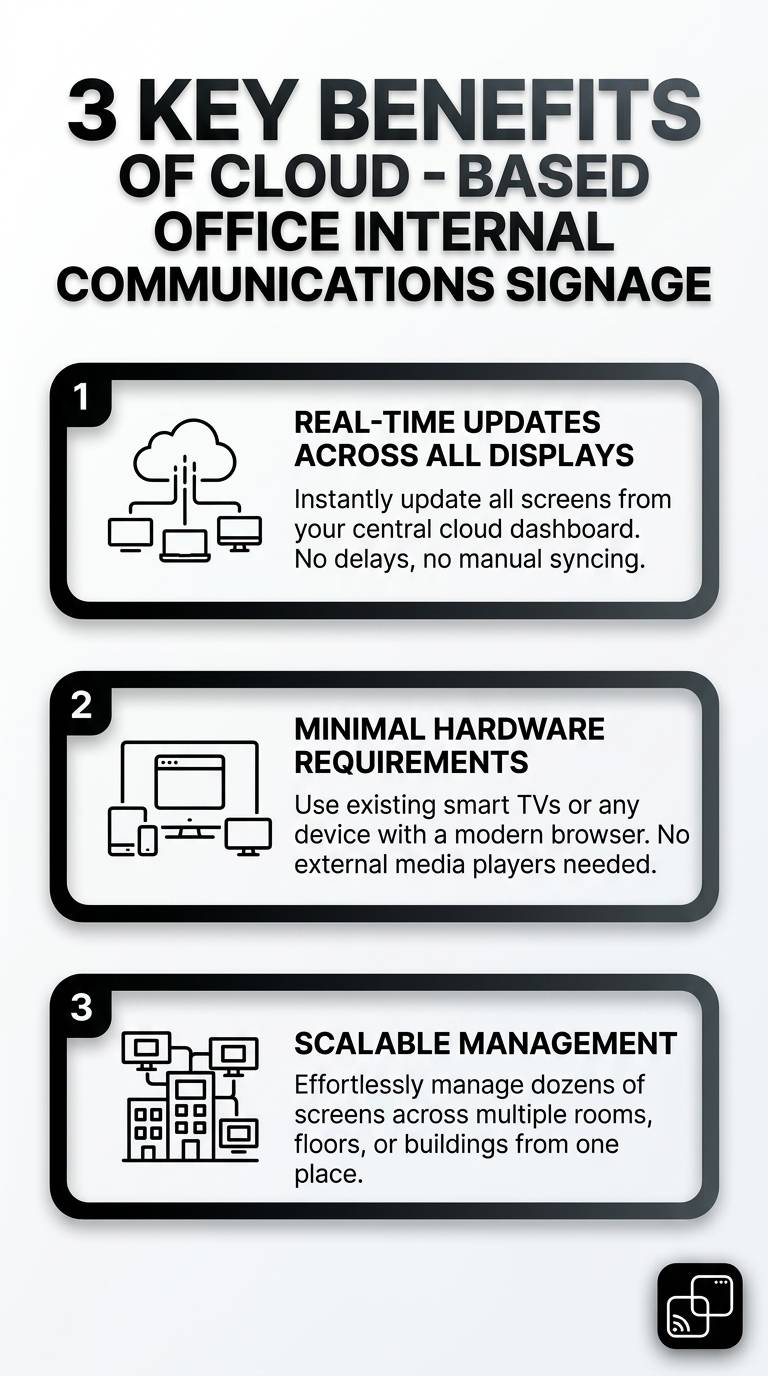
Three key benefits of cloud-based office internal communications signage are highlighted. See how cloud signage can streamline internal messaging across your organization.
Why Choose Office Internal Communications Cloud Digital Signage?
Traditional communication methods like emails and static bulletin boards often go ignored by busy staff. We need a system that places critical updates directly in our team's line of sight.
By using office internal communications cloud digital signage, we can broadcast real-time updates to every screen in our building. This ensures our staff always has access to the latest company news and operational metrics.
The shift to cloud SaaS removes the need for complex installations or dedicated IT personnel. We can manage our entire network of screens from a single web browser.
7 Top Benefits of Office Internal Communications Cloud Digital Signage
1. Real-Time Updates Without Extra Hardware
Many digital signage solutions require expensive media players, Fire Sticks, or streaming devices to function. BryteCast takes a different approach by operating entirely as a cloud-based SaaS platform.
You simply open the BryteCast player URL in the browser of your existing smart TV or commercial display. After entering a 6-character pairing code from your cloud dashboard, your content plays and updates in real time over the internet.
The TV or display you already own is the only screen hardware required. If a display lacks a browser entirely, that is the only edge case where a cheap streaming device might help, but BryteCast itself remains pure cloud software.
2. Higher Message Recall Rates Than Email
Emails get buried in crowded inboxes, causing important policy changes to be missed. Visual messaging on screens captures attention far more effectively than text-based communications.
Did You Know? Digital signage boasts a massive 83% recall rate, which is roughly 4 to 5 times higher than the recall rate of internal emails. Source: CrownTV3. Streamlined Meeting Room Information
Managing meeting spaces becomes effortless when you display real-time booking schedules outside conference rooms. Staff can see which rooms are available without checking their laptops.
Our cloud-based platform allows us to update these schedules instantly. This reduces meeting conflicts and keeps the daily agenda flowing smoothly.
4. Centralised Control from Anywhere
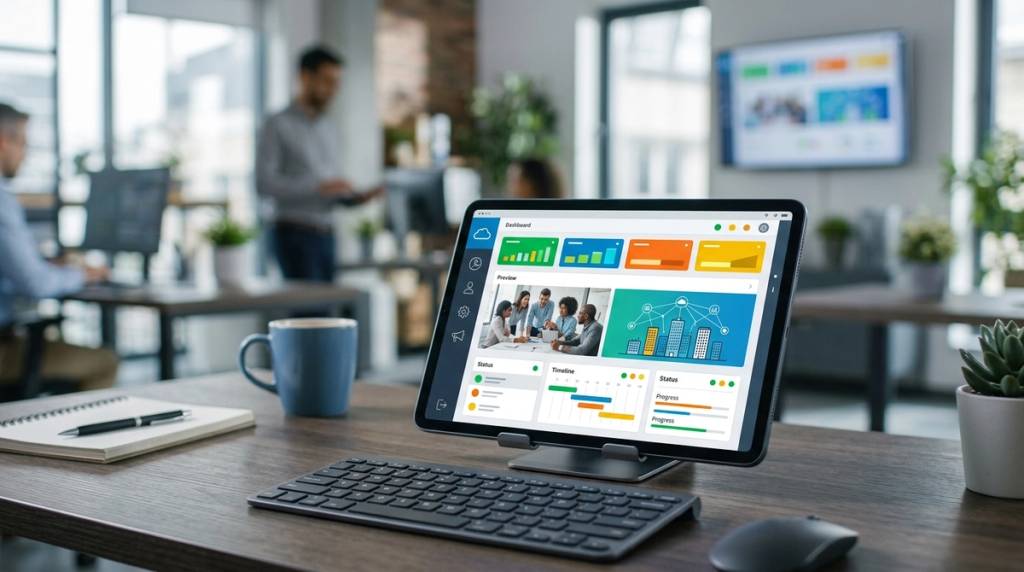
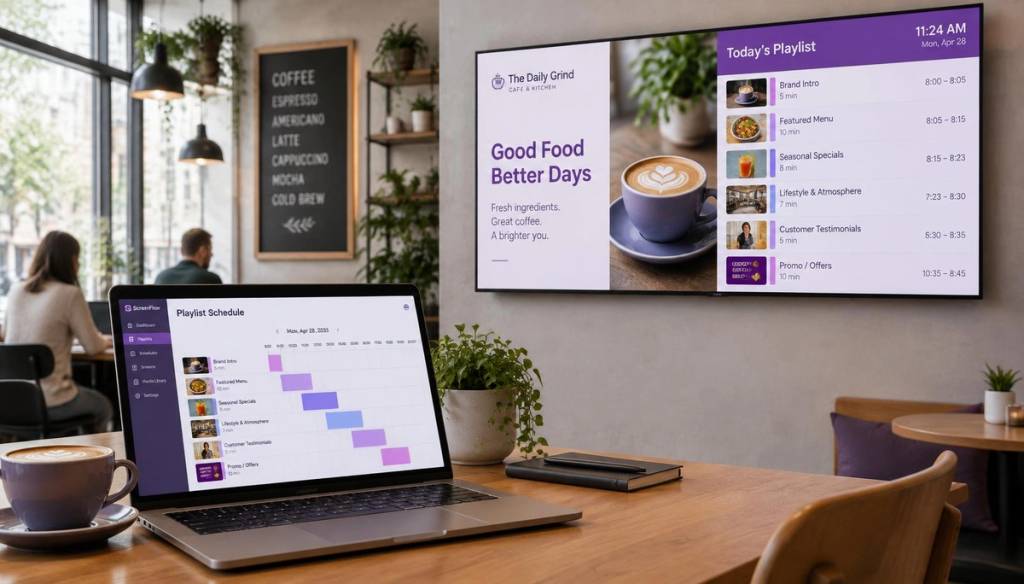
The true power of office internal communications cloud digital signage lies in its centralised management. We can upload images, create playlists, and schedule content from a single web dashboard.
Whether we manage one screen or thousands, the cloud infrastructure scales with our needs. We can push updates to specific screens or groups without physically visiting each device.
5. Improved Employee Productivity
When employees have to search for information, it wastes valuable working hours. Digital signage places key metrics and deadlines right where they can see them naturally.
Displaying important data reduces the time staff spend asking questions or looking for updates. It cuts through the digital noise of chat apps and endless email threads.
Did You Know? Workplace digital signage can increase employee productivity by 25% by streamlining information flow and reducing digital noise. Source: DigitalSigns.ai6. Affordable Scaling with Your Business
Digital signage does not have to drain your IT budget. BryteCast offers transparent pricing that fits organisations of all sizes.
The Starter plan costs just $29 per month and includes up to three screens, which is perfect for small offices. You can begin with a 7-day free trial to experience the platform before committing.
7. Better KPI Visibility
Sharing company goals and key performance indicators keeps the entire team aligned. By displaying these metrics on screens around the office, we foster a culture of transparency.
Employees can see their progress in real time, which motivates them to hit their targets. This constant visibility is a core advantage of modern cloud digital signage solutions.
How to Set Up Office Internal Communications Cloud Digital Signage
Deploying BryteCast is incredibly straightforward because it eliminates hardware complexity entirely. Your marketing team or facilities manager can handle the setup without calling IT.
First, open the BryteCast player URL in the browser of your chosen smart TV. Next, log into your cloud dashboard to generate a 6-character pairing code.
Enter that code on your TV screen, and your content will start playing immediately. The entire process takes minutes, allowing you to broadcast updates before your coffee cools.
Choosing the Right Office Internal Communications Cloud Digital Signage Software
Selecting the right platform means looking for simplicity and cloud-native architecture. You should never have to deal with USB sticks or local media players again.
BryteCast strips away the complexity of enterprise signage while retaining powerful features. Our digital signage platform supports multi-user roles and offline playback for maximum reliability.
We provide built-in analytics to help you understand what content resonates with your team. This data-driven approach ensures your communication strategy evolves with your workforce.
Conclusion
Investing in office internal communications cloud digital signage is a proven way to reduce communication gaps and boost productivity. By moving away from hardware-heavy setups, we make modern signage accessible and affordable.
BryteCast empowers us to turn any screen into a smart display in minutes. Start your 7-day free trial today at our sign-up page or explore our pricing plans to get started.
Frequently Asked Questions
What is office internal communications cloud digital signage?
It is a cloud-based SaaS solution that broadcasts announcements, KPIs, and schedules to screens across a workplace. You manage all content remotely from a central web dashboard.
Do I need a Fire Stick or media player for cloud signage?
No, you do not need any extra hardware like a Fire Stick, Chromecast, or media player. BryteCast works directly in the browser of your smart TV.
How much does office internal communications cloud digital signage cost?
Pricing starts at just $29 per month for the Starter plan, which includes up to three screens. You can also start a 7-day free trial to test the platform first.
How do I connect my TV to a cloud signage dashboard?
You open the player URL in your TV's browser and enter a 6-character pairing code from your cloud dashboard. The screen will then pair instantly and start displaying your content.
Can I manage multiple office screens from one location?
Yes, the cloud dashboard lets you view and control all your displays from a single interface. You can group screens and push updates to specific locations in real time.
Is digital signage better than internal emails?
Yes, digital signage boasts a recall rate that is roughly four to five times higher than internal emails. It captures attention immediately and reduces digital noise across the organisation.

Get started
Ready to upgrade your screens?
Start your 7-day free trial. No credit card required — pair your first screen in minutes.