
Portrait vs Landscape Digital Signage: Which Orientation Should You Choose?
Guides 6 min read
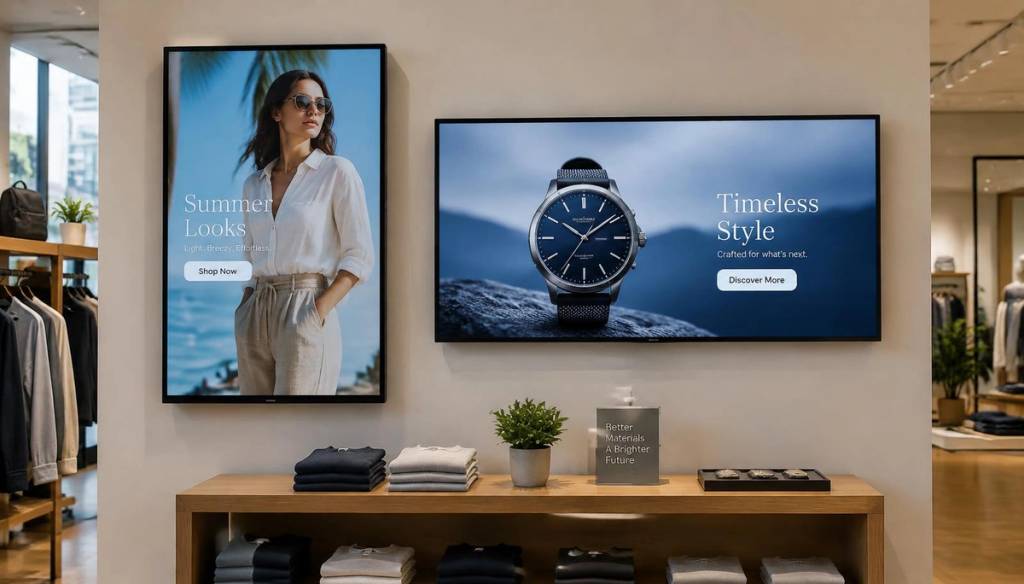
One of the first decisions when setting up digital signage is how to mount the screen. Orientation affects what content looks good, how far away it can be read and how it fits your space.
When landscape works best
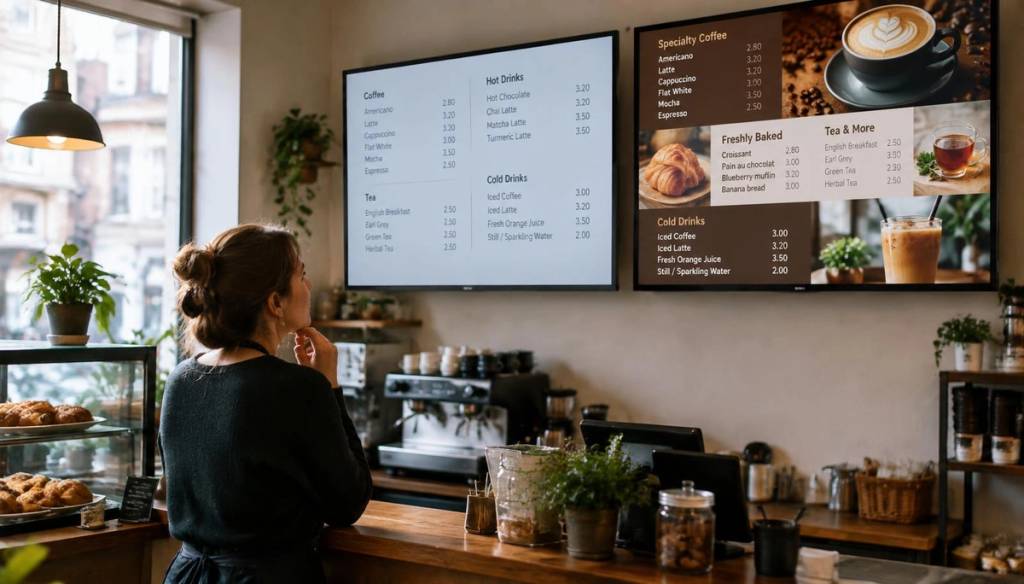
- Menu boards above counters where width is plentiful.
- Video content, including YouTube, which is filmed in 16:9.
- Waiting rooms and lobbies where people sit and watch.
- Dashboards and timetables with several columns.
When portrait works best
- Shop windows and narrow wall spaces.
- Poster-style promotions that replace printed A-boards.
- Fashion and people imagery, which suits a tall frame.
- Entrances and corridors where people walk past quickly.
Design content for the orientation
Never stretch landscape artwork onto a portrait screen. Create separate versions, keep key text in the centre, and use large fonts — at least 5% of screen height for headlines.
Check the TV supports portrait
Some consumer TVs aren't designed to run in portrait and may overheat. Commercial displays usually support both. See our guide to commercial displays versus consumer TVs for more.
Switching is easy in BryteCast
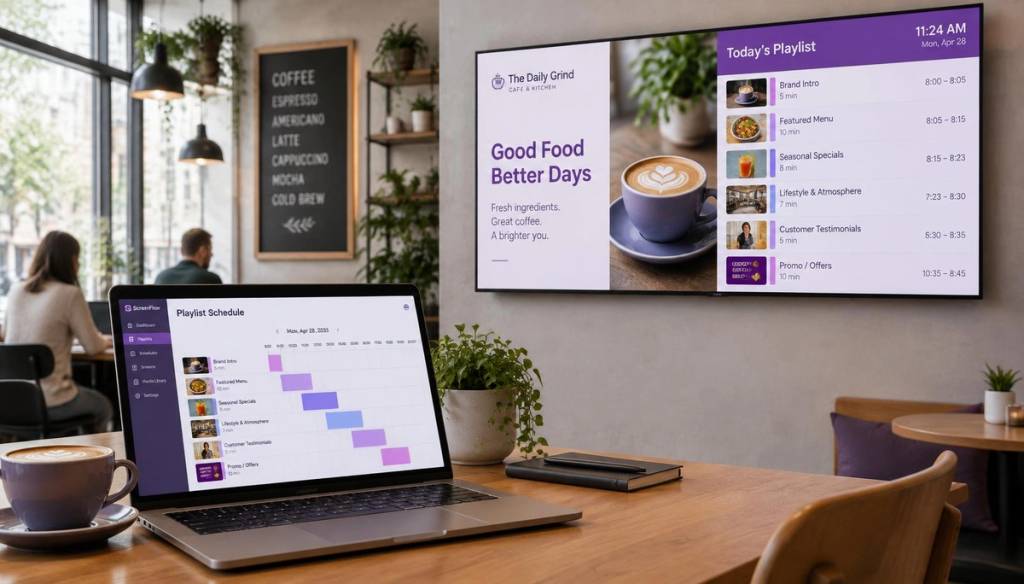
BryteCast lets you set each screen to portrait or landscape and preview playlists in the right shape before you publish. Try both on the free trial and see which suits your space.
Get started
Ready to upgrade your screens?
Start your 7-day free trial. No credit card required — pair your first screen in minutes.