
How to Use QR Codes on Digital Signage to Turn Viewers into Customers
Guides 5 min read
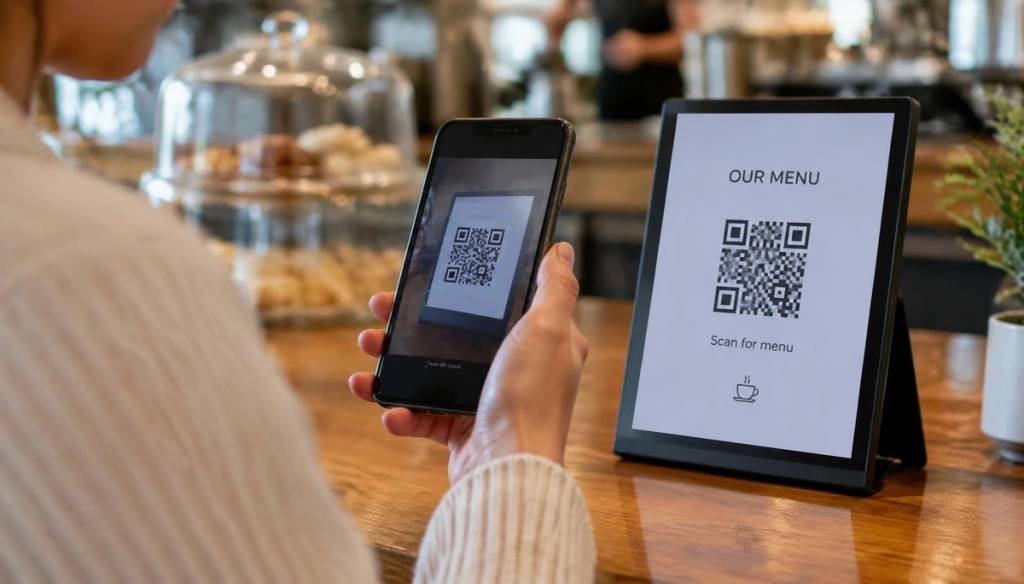
Screens grab attention, but attention alone doesn't pay the bills. A QR code turns a glance into an action — a booking, a sign-up, a review or a sale.
Give people a reason to scan
"Scan me" isn't a reason. "Scan for 10% off today", "Scan to book your free valuation" or "Scan to see the full menu" are. Always pair the code with a clear benefit.
Size and placement
- Make the code at least 15–20% of the screen height for viewing from 2–3 metres.
- Use high contrast: dark code on a light background with a quiet zone around it.
- Place it in a corner that stays consistent across slides.
- Keep the slide on screen for at least 10–15 seconds.
Send people somewhere mobile-friendly
The landing page must load fast and work on a phone. Skip the homepage — link directly to the offer, booking form or review page.
Track what works
Add UTM parameters to each QR link so you can see in Google Analytics which screen and message drove the scan.
Great QR use cases
- Cafés: order ahead or join a loyalty scheme
- Gyms: book classes
- Salons: leave a Google review
- Estate agents: view full listings after hours
Add QR codes in BryteCast
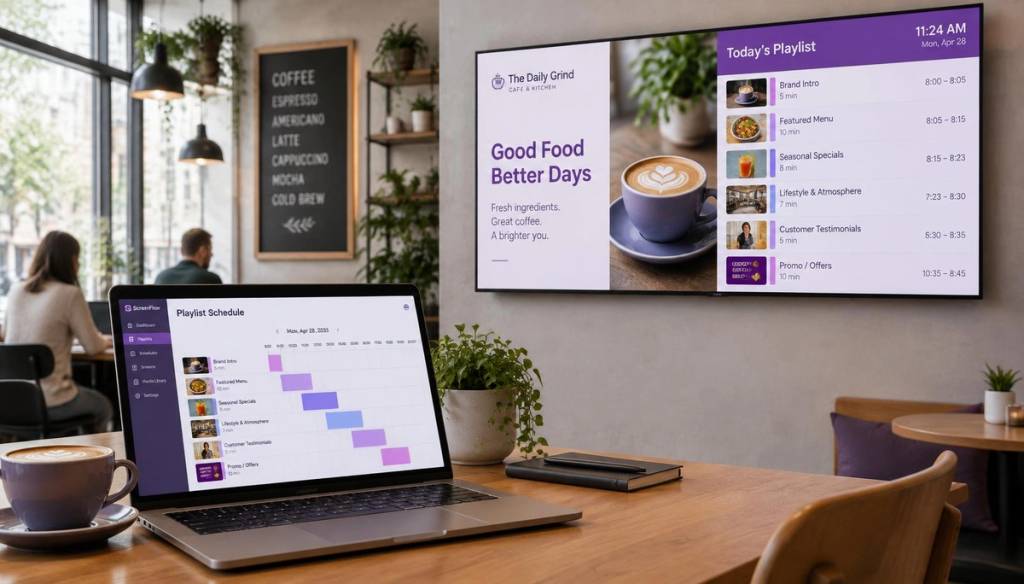
Design your slide with a QR code, upload it to BryteCast and schedule it alongside your other content. Start a free trial and test which offers get the most scans.
Get started
Ready to upgrade your screens?
Start your 7-day free trial. No credit card required — pair your first screen in minutes.