
Six Ways to Cut Digital Signage Costs Without Cutting Corners
Buying guide 5 min read
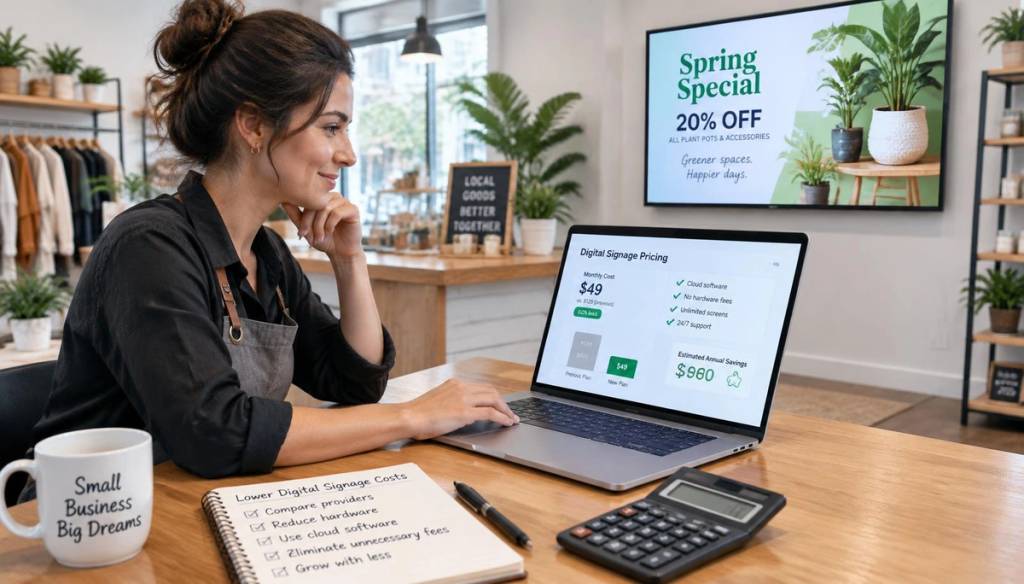
Ask five signage vendors for a quote and you will get five wildly different numbers, often varying by thousands of pounds. The real costs tend to hide in the fine print, buried behind attractive headline prices. Here are six practical ways operators cut their signage bills by up to 90% without sacrificing polish or professionalism.
Self-service cloud dashboards have replaced expensive onboarding calls and proprietary hardware. You learn by doing, not by invoice. And with BryteCast, the only screen hardware you need is the TV or display you already own.
1. Use the TVs you already own
The single biggest saving in any signage project is skipping new displays altogether. If a screen is already mounted in your salon waiting area, office lobby, or café counter, you can put it to work immediately. BryteCast is a cloud-based SaaS platform, which means there is no media player, streaming stick, or hardware connector to buy.
Simply open the BryteCast player URL in the browser on your smart TV, commercial display, or tablet. Enter the 6-character pairing code from your cloud dashboard, and your content starts playing and updating in real time over the internet. Indoor environments rarely need 24/7-rated commercial panels, so the TV you already have is almost certainly good enough.
2. Skip proprietary hardware entirely
Many signage vendors lock you into buying their proprietary media players or bundles. These devices can cost hundreds of pounds each, and they only work with one platform. When you want to switch software, the hardware becomes e-waste.
BryteCast takes a different approach. Because it runs entirely in the cloud and plays through any modern web browser, you do not need a Fire Stick, Chromecast, or any streaming device. Your TV or display is the only hardware involved. If a particular screen lacks a built-in browser, that is the one edge case where a basic streaming device might help, but BryteCast itself remains pure cloud software. No vendor lock-in, no proprietary boxes, no surprise hardware bills.
3. Choose plan-based pricing, not per-screen gouging
Enterprise platforms routinely charge £20 to £50 per screen, every single month, and then pile onboarding fees on top. That model punishes you for growing your screen network.
BryteCast flips the model with simple plan-based pricing. The Starter plan costs $29/month and includes three screens, which works out to under $10 per screen. There is no setup fee and no sales call required. Every number is published openly on our pricing page. You can see exactly what you would pay before you sign up, and billing is month-to-month with no lock-in.
Start your 7-day free trial and have your first screen live before lunch.
4. Skip the "professional services" onboarding
Some vendors charge £500 or more to walk you through a dashboard you could learn in an afternoon. That is not onboarding, it is a revenue stream designed to exploit the fact that their software is unnecessarily complex.
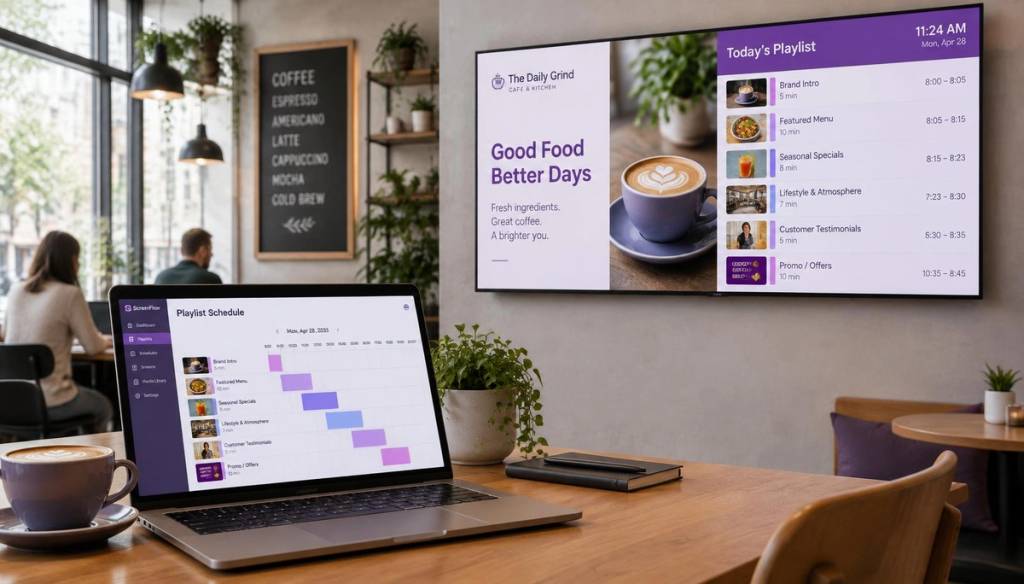
BryteCast was built for operators, not engineers. If you can drag files into a folder and build a Spotify playlist, you can run BryteCast. The platform features a drag-and-drop playlist builder, 6-digit screen pairing, and time-based scheduling rules that anyone on your team can manage. Start with our 5-step setup guide and go from zero to live in minutes.
5. Watch for hidden fees before you sign
Before you commit to any signage platform, scrutinise the fine print. Common hidden charges include:
- Per-user charges: billing you for every team member who can edit content, even occasional contributors.
- Storage overages: punitive pricing once you upload more than a few gigabytes of images and video.
- Long contracts: 24 to 36 month lock-ins disguised by a low headline monthly price.
A fair, modern platform has none of these. BryteCast offers month-to-month billing, team roles included on every plan, and no proprietary hardware you are forced to buy. You can replace your own screens at any time without calling a technician.
6. Start small, prove ROI, then scale
The smartest operators do not roll out twenty screens on day one. They run one screen for two weeks, whether that is a menu board, a class schedule, or a reception welcome loop. Then they measure whether it changes behaviour: average ticket size, walk-in enquiries, or perceived wait time.
Once you have proof, add more screens from the same cloud dashboard without renegotiating a contract or paying another onboarding fee. One proven screen in the lobby often funds the rest of the rollout through the revenue it generates.
Ready to test it for yourself? Start your 7-day free trial with no credit card required.
Worked example: a three-screen café
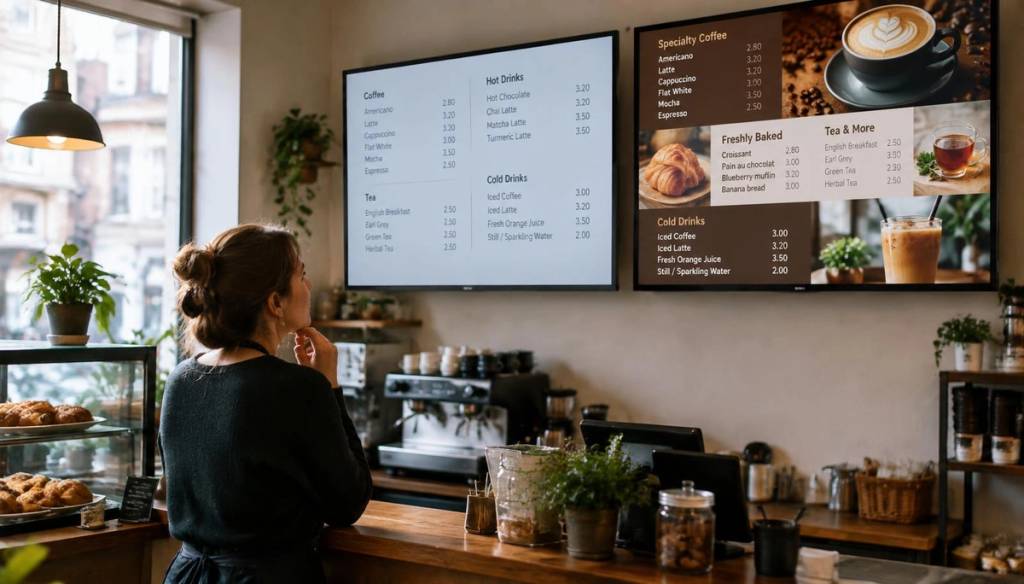
Let us put real numbers on the table. A café wants digital menu boards on three screens that are already mounted above the counter. Here is the cost breakdown with BryteCast:
- Hardware: $0 (the TVs already have browsers, no streaming sticks or media players needed)
- BryteCast Starter plan: $29/month (3 screens included)
- Installation: $0 (pair each screen in under two minutes using a 6-digit code)
Year-one total: $348. Traditional quotes for the same project routinely land between £4,000 and £6,000 once you factor in proprietary players, professional installation, and per-screen licensing. That is a saving of over 90%, and the difference can fund menu development, staff training, or a fourth screen.
For menu-specific tactics, read our 7 menu board ideas that boost café sales or visit our cafés and restaurants page. If you run a gym or fitness studio, check out our digital signage for gyms solutions.
Conclusion
Cutting digital signage costs is not about accepting a inferior product. It is about recognising that the old model, with its proprietary hardware, per-screen licensing, and expensive onboarding, is obsolete. BryteCast replaces all of that with a cloud dashboard that runs on the screens you already own, at a price that scales sensibly.
Six principles carry through every cost-saving strategy here: reuse existing displays, avoid vendor-locked hardware, choose transparent plan-based pricing, skip paid onboarding, read the fine print for hidden fees, and prove value on one screen before expanding. Follow these steps and you will spend less, move faster, and keep full control of your screen network.
Start your 7-day free trial today and see how quickly your screens can go live.
Get started
Ready to upgrade your screens?
Start your 7-day free trial. No credit card required — pair your first screen in minutes.